6.3 Menu options of Camera Mode
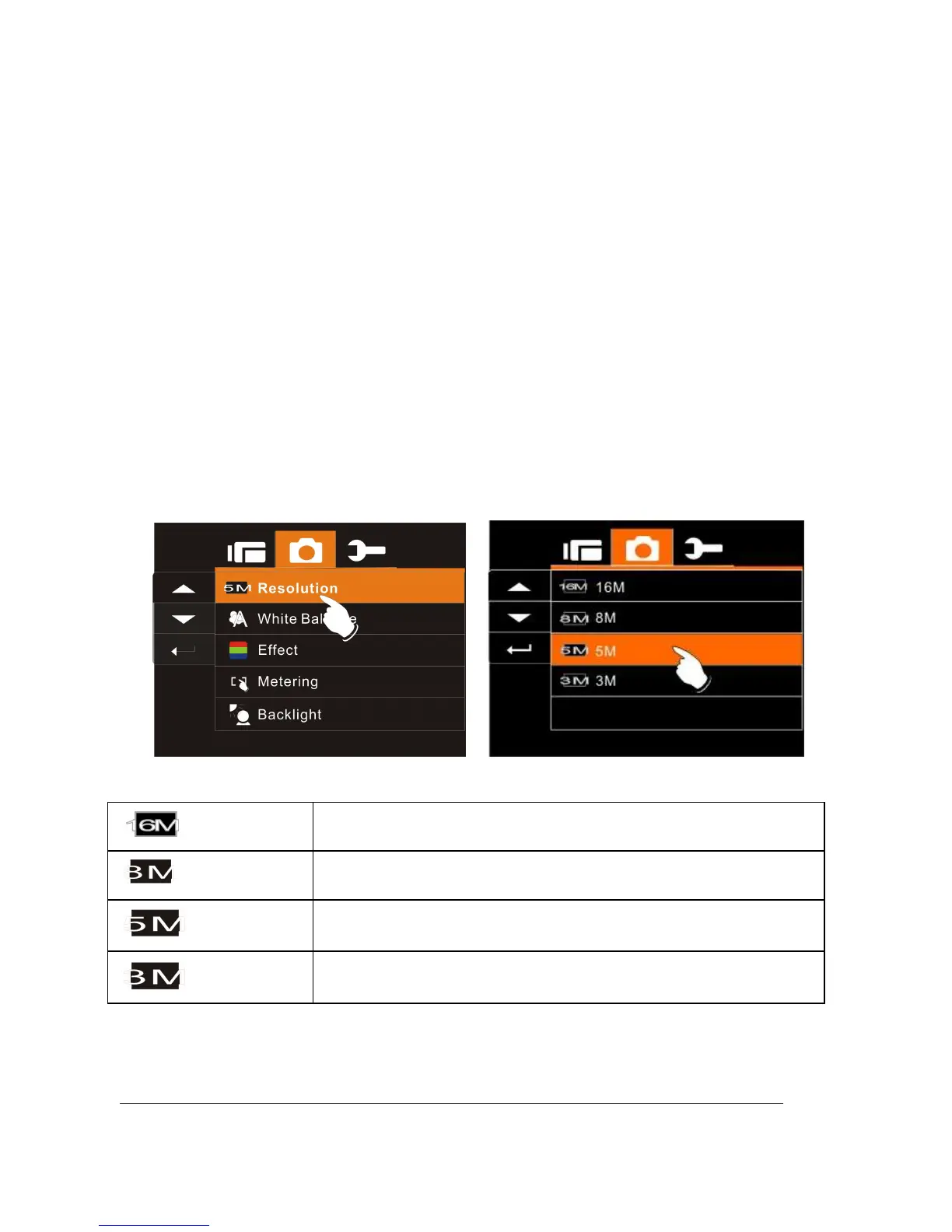
When in DSC Mode, press Menu Button to display camera mode
option Menu.
6.3.1 Still Image Resolution
1. Turn on the Digital Video Camera and make sure it is in the
DSC Mode.
2. Press Menu Button and move the
Up/Down
Button to highlight
the Resolution item. Press the
Recording
Button to display
submenu; or touch the screen to select the item.
3. Press
Up/Down
Button to select 16M, 8M, 5M or 3M. Press
the
Recording
Button to confirm; or touch the screen to select
the item.
16M
4608 x 3456 pixels (Interpolation)
8M
3200 x 2400 pixels (Interpolation)
5M
2592 x 1944 pixels
3M
2048 x 1536 pixels



 To Next Page