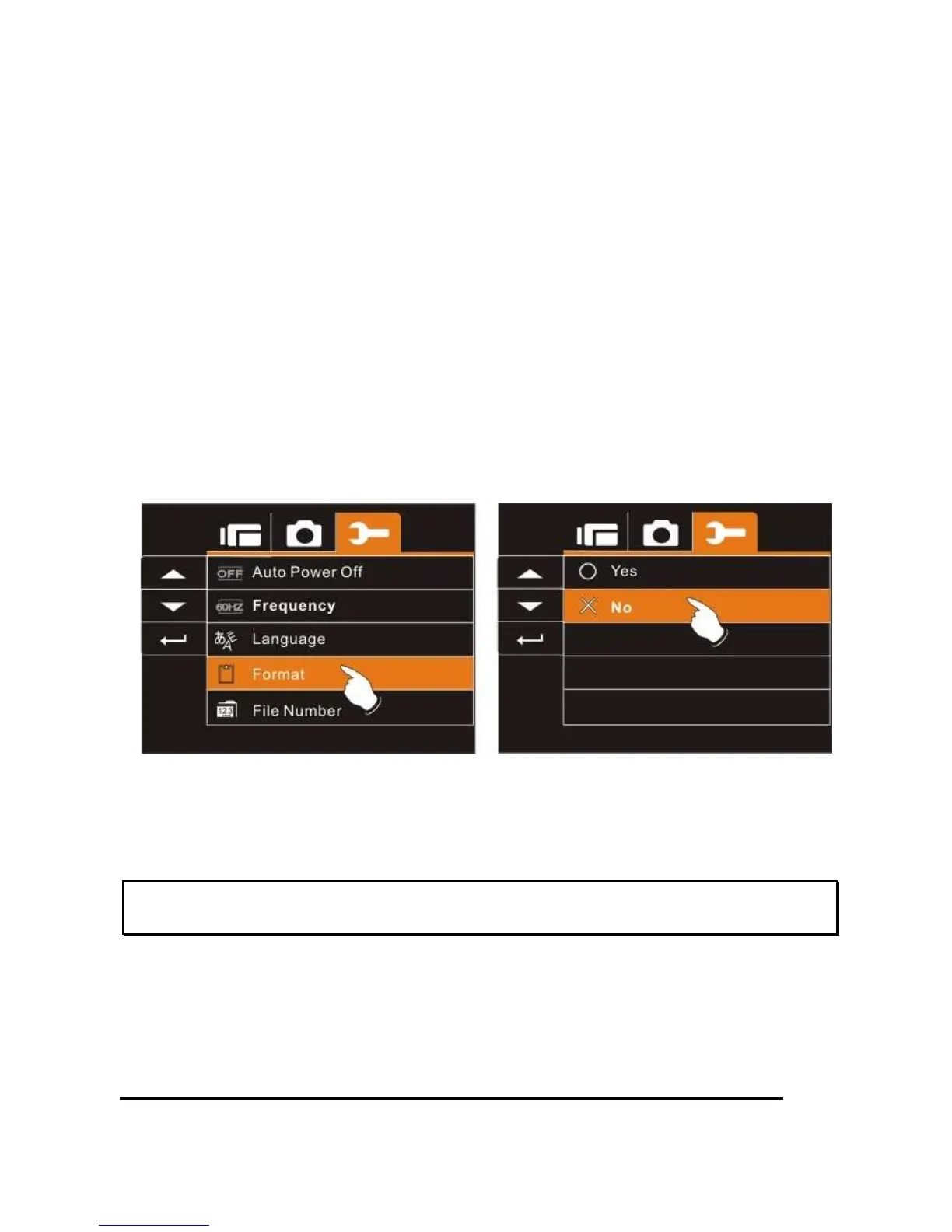
6.5.9 Format
This function allows you to format the memory card or the built-in
memory.
1. Turn on the power of Digital Video Camera and switch
to SET Mode.
2. Press
Up/Down
Button to highlight Format item. Press
the
Recording
Button or touch the screen to display
submenu.
3. Press
Up/Down
Button to select “O” Yes or “X” NO.
Press the
Recording
Button to confirm; or touch the
screen to select the item.
4. The format of the current storage media (memory card
or internal memory) is now completed.
Note: All the data stored in the memory card or flash memory will be
deleted after formatting.



 To Next Page