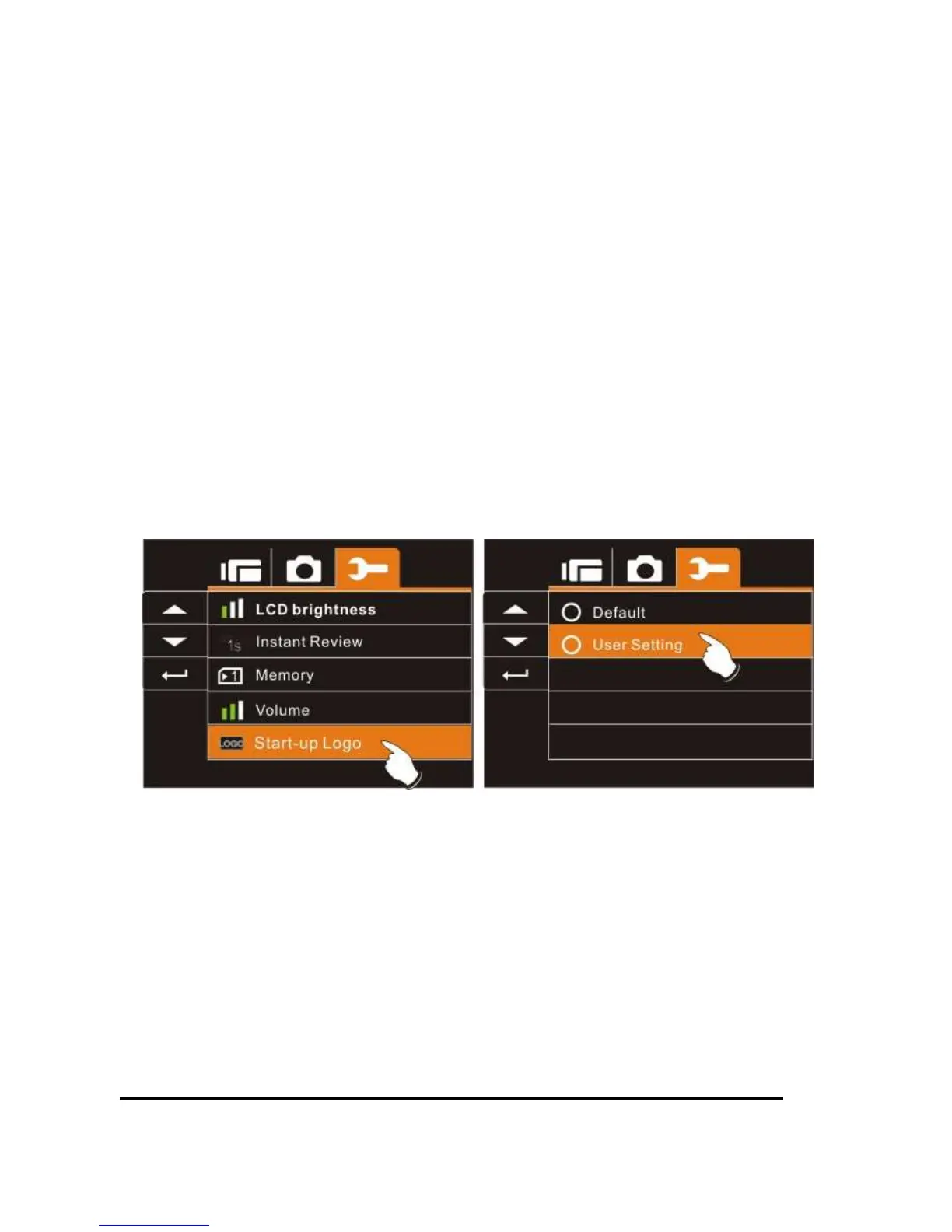
6.5.15 Start-up LOGO
Use this function to the image that is displayed on the LCD when the
digital camcorder is turned on.
1. Turn on the Digital Camcorder and switch to Setup
Menu.
2. Press the Up/Down Button to highlight the Star-up Logo
item. Press the Recording Button or touch the icon on
the screen to display the submenu.
3. Press the Up/Down Button to select Default or User
Setting. Press the Recording Button or touch the
screen to select the item.



 To Next Page