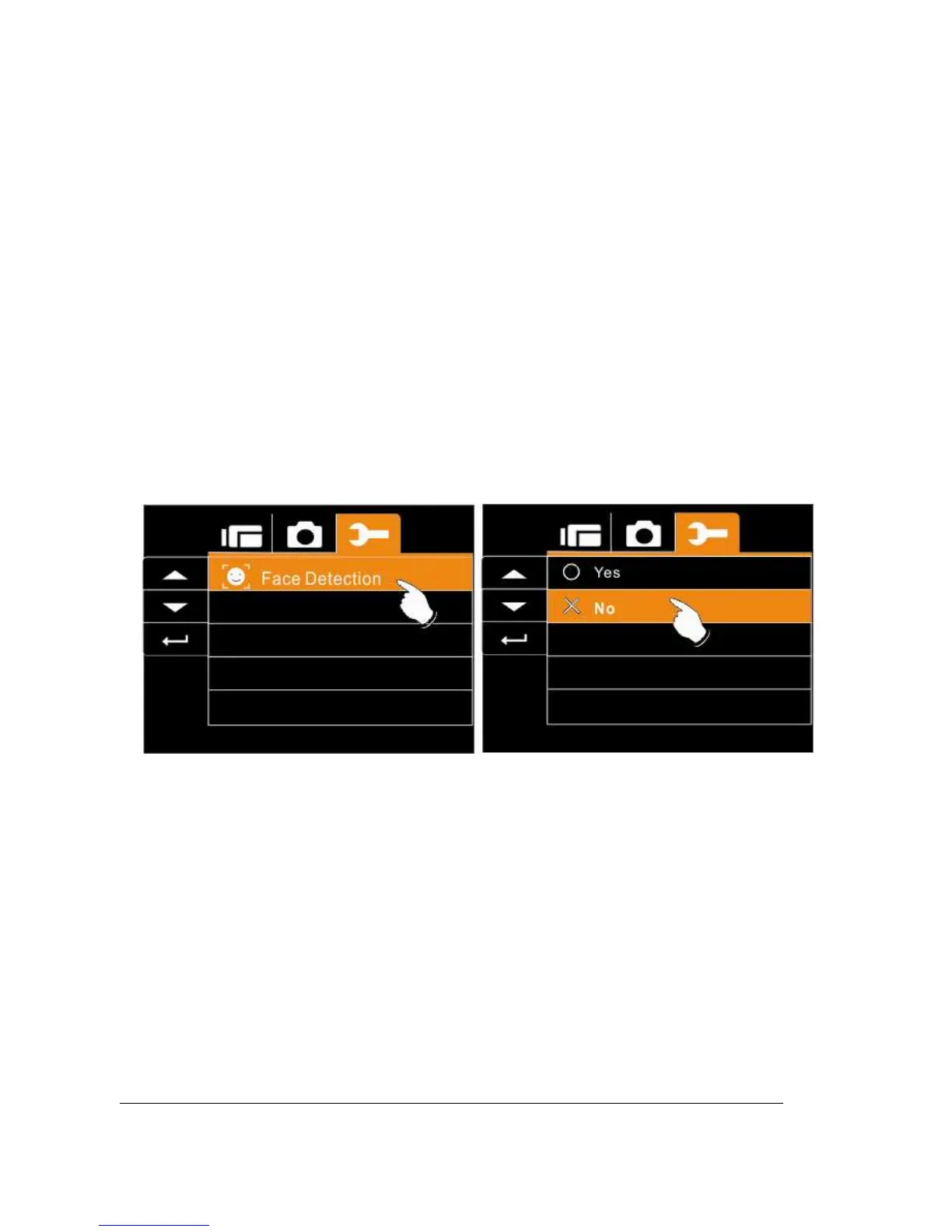
6.5.16 Face Detection
You can use the Face Detection function to detect faces in a scene
automatically during a photo shoot
1. Turn on the Digital Camcorder and switch to Setup
Menu.
2. Press the Up/Down Button to highlight the Star-up Logo
item. Press the Recording Button or touch the icon on
the screen to display the submenu.
3. Press the UP/Down Button to select Yes or no. Press
the Recording Button or touch the screen to select the
item.



 To Next Page