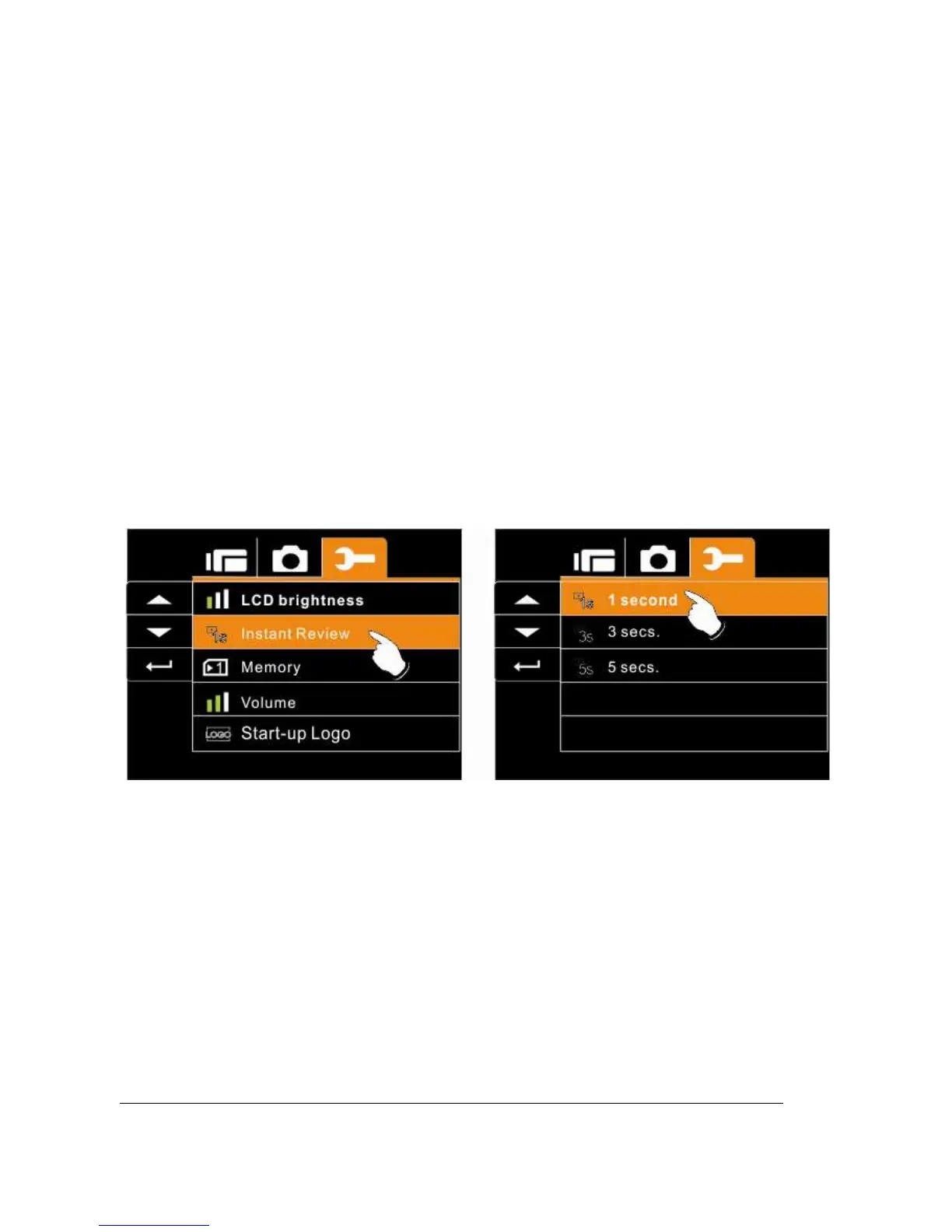
6.5.12 Instant Review
This function can be used to instantly browse the files after taking
the picture.
1. Turn on the Digital Video Camera and switch to SET
Mode.
2. Press
Up/Down
Button to highlight Instant Review item.
Press the
Recording
Button to display submenu; or touch
the screen to select the item.
3. Press
Up/Down
Button to select 1 sec., 3 secs, or 5 secs.
Press the
Recording
Button to confirm; or touch the
screen to select the item.



 To Next Page