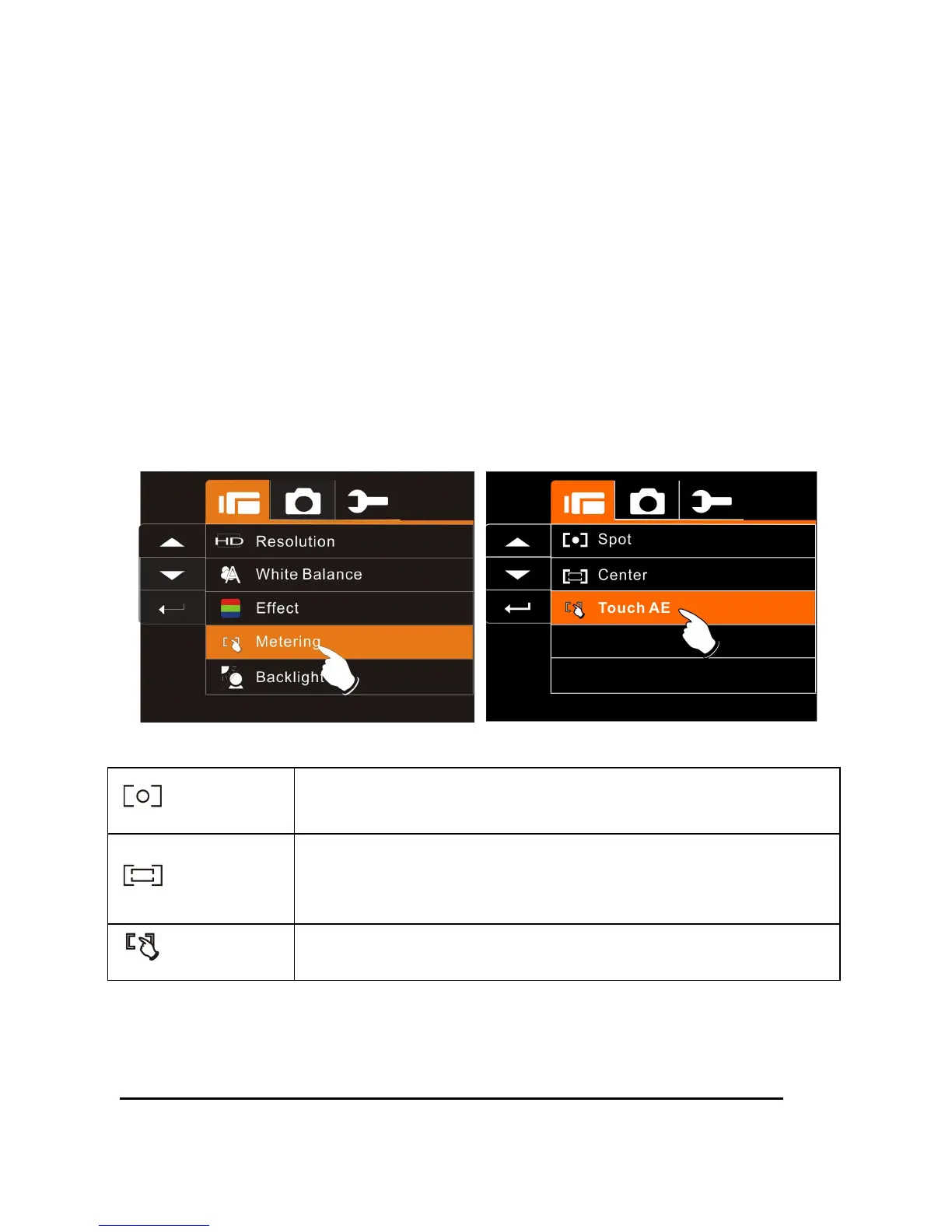
6.1.4 Metering
1. Turn on the Digital Video Camera and make sure it is in the DV
Mode.
2. Press Menu Button and move the
Up/Down
Button to highlight
the Metering item. Press the
Recording
Button to display
submenu; or touch the screen to select the item.
3. Press
Up/Down
Button to select Spot, Center or Touch AE.
Press the
Recording
Button to confirm; or touch the screen to
select the item.
Spot
This setting is to ensure correct exposure for the object
even if the background is very bright or very dark.
Center
Use this setting to preserve background details while
letting lighting conditions at the center of the frame
define exposure.
Touch AE
Touch the object to make it with suitable light.



 To Next Page