Parts of the display and their functions8
Parts of the display and their functions
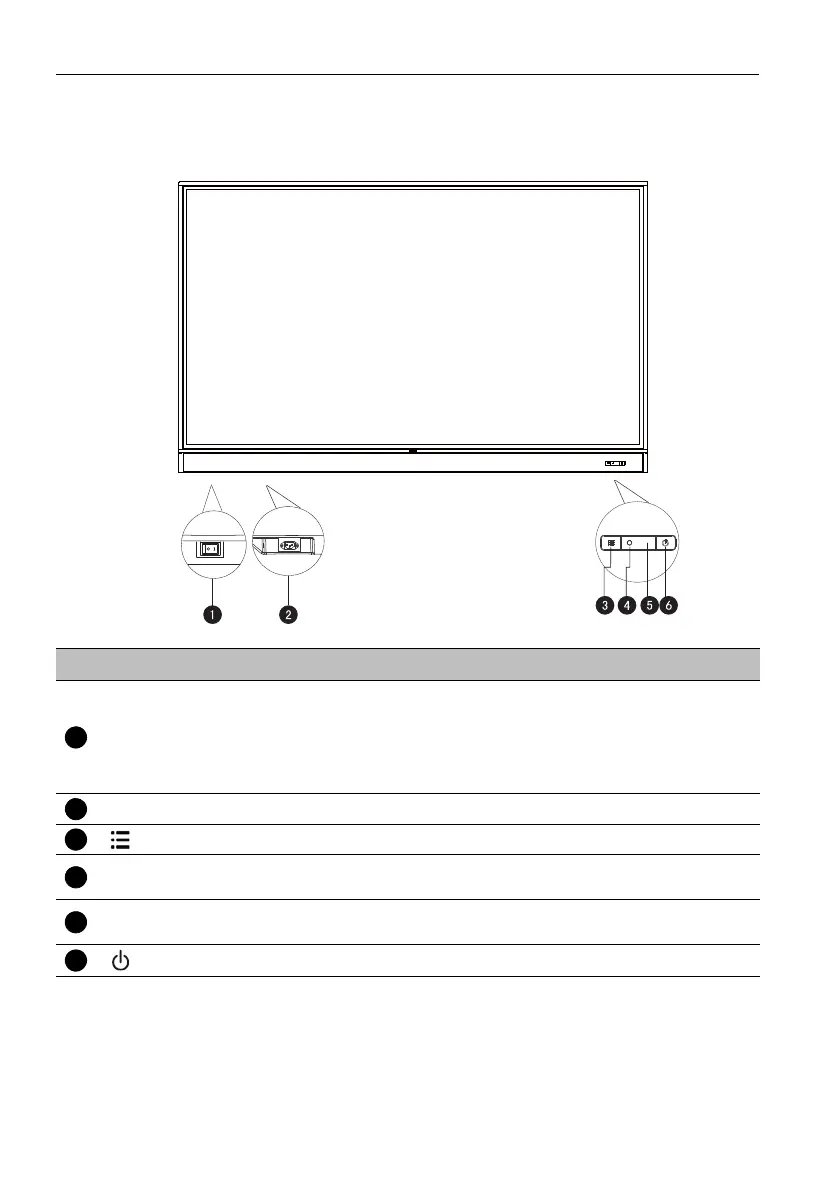
Front/Rear panel
No. Name Description
Power Switch
Used to isolate the power supply from the system.
• When the switch is set to ON (I), the system will
automatically enter standby mode.
• When the switch is set to OFF (O), this will completely cut
off the power supply.
Power-in Connects with the supplied power cord.
Menu
Press to open or close the sidebar menu.
Ambient Light
Sensor
Detects the ambient room light conditions to automatically
adjust the display backlight brightness.
Remote Control
Sensor
Receives the signal from the remote control.
Power
Press to turn the display on or off.



 To Next Page