Connection 17
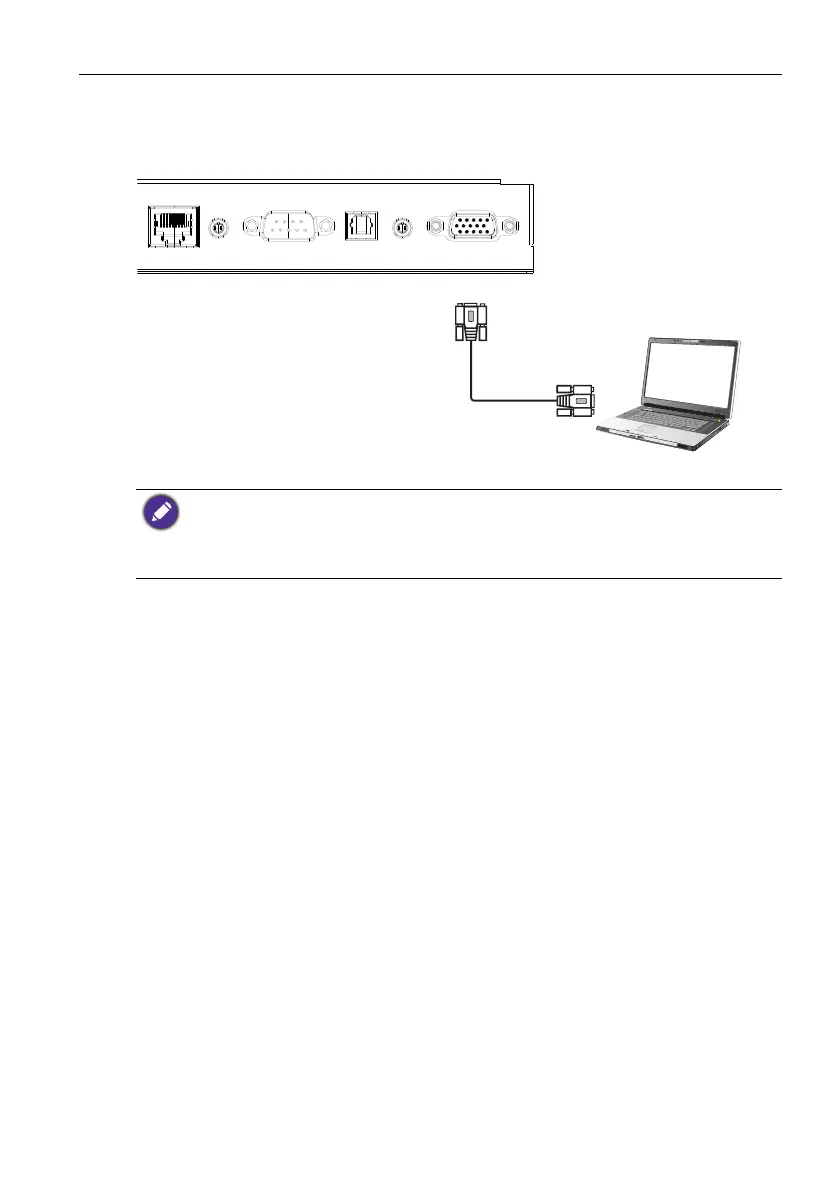
Connecting to serial port
Directly connect the computer to RS232 ports on the input/output terminals.
• The applicable cable is not supplied and should be purchased separately.
• This connection is applicable to straight-through RS-232C cable only.
• After using serial port line to connect central control equipment and machine, certain function
of the machine can be controlled via central control equipment, such as: machine on/off, and
adjustment of sound volume, etc.



 To Next Page