Android system interface46
Android system interface
Main interface
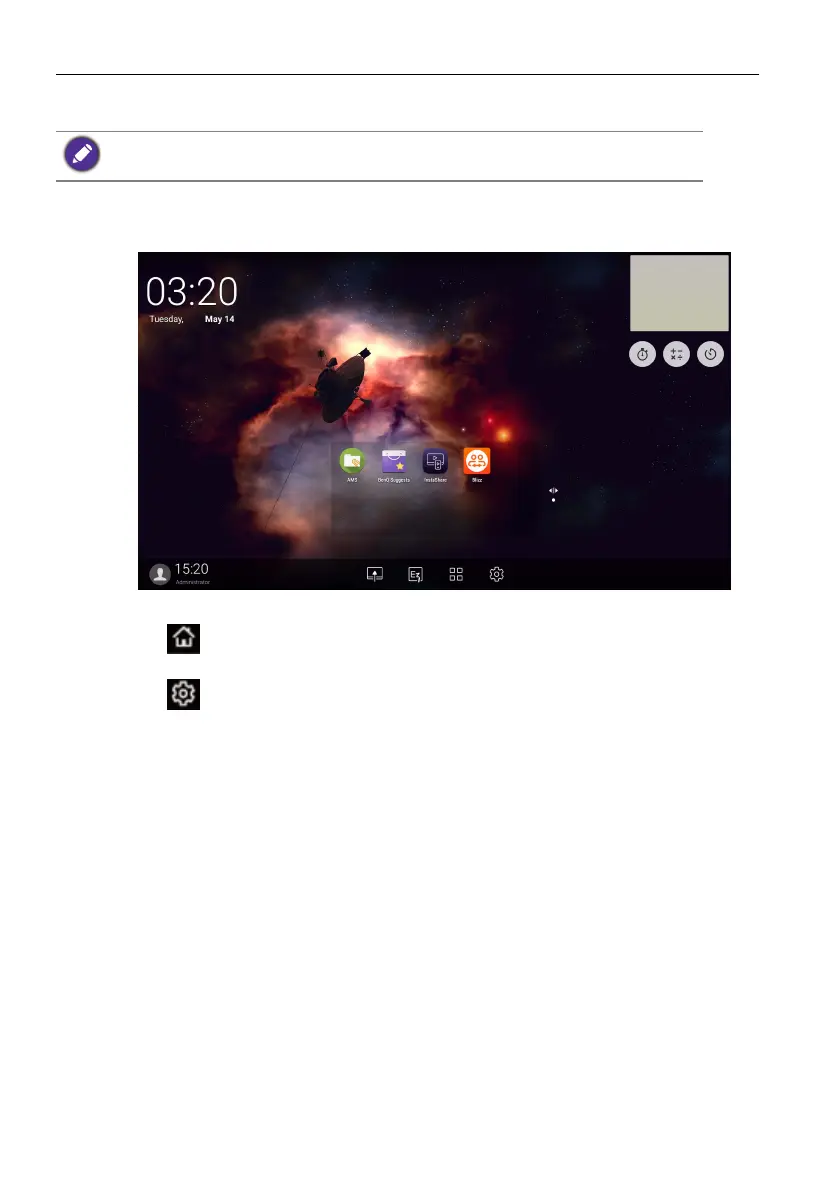
The display launches the Android main interface by default.
To navigate the Android main interface:
• Press on the remote control or Home button on the front panel to return to the
main interface.
• Press on the remote control or drag the OSD menu up from the bottom-center
of the screen to enter the OSD menu to select an input.
Note that this is a closed Android OS. Download and use of unauthorized apps on this system
are not available.



 To Next Page