Connection18
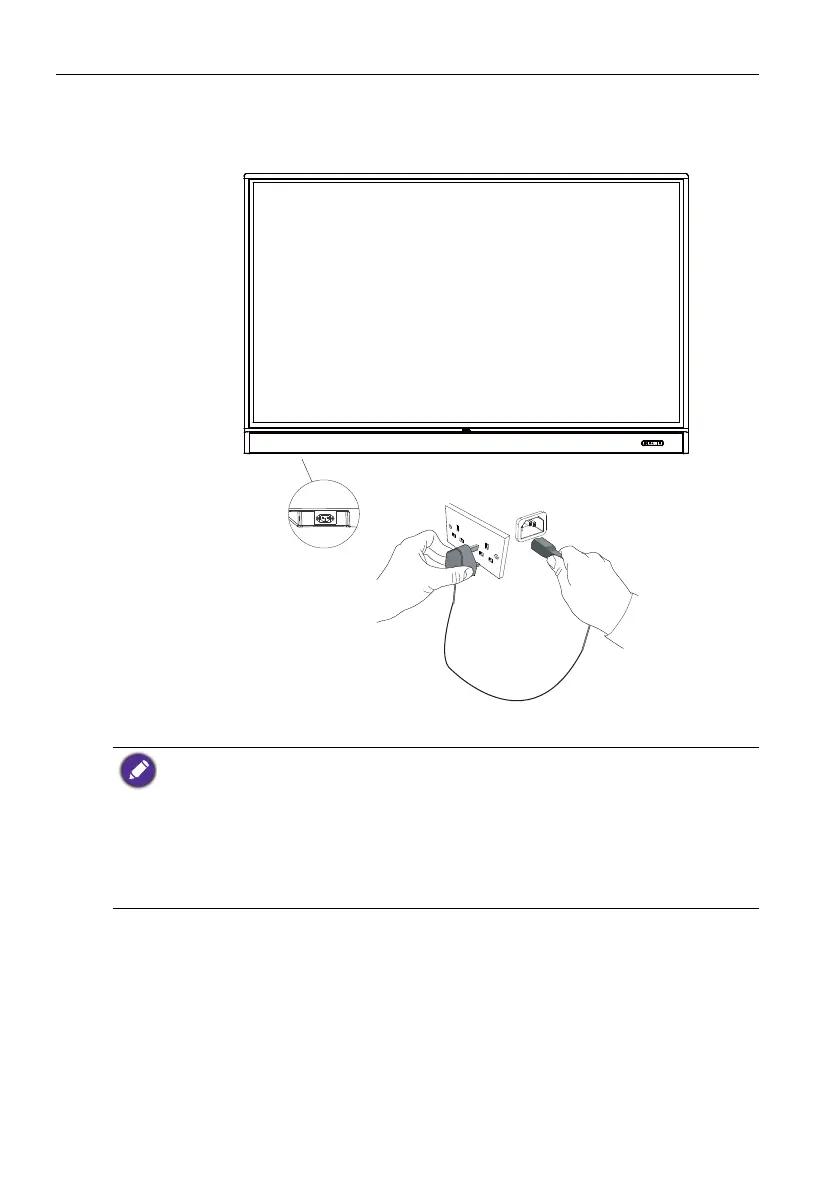
Connecting power
Plug one end of the power cord into the Power jack on the display and the other end
into an appropriate power outlet (if the outlet is switched, turn on the switch).
• The supplied power cord is suitable for use with 100-240V AC power only.
• The power cord and outlet illustrated may differ from the ones used in your region.
• Only use an appropriate power cord for your region. Never use a power cord which appears
damaged or frayed, or change the plug type on the power cord.
• Be aware of the power loading when you use extension cords or multiple outlet power boards.
• There are no user serviceable parts in this display. Never unscrew or remove any covers.
There are dangerous voltages inside the display. Turn off the power and unplug the power cord
if you intend to move the display.
• The illustration is for your reference only.



 To Next Page