Basic operations 21
Account Information
Three types of accounts are provided: Guest, Admin, and Multiple users.
Guest
It's for public use under Guest account. You are able to change the headshot, wallpaper,
volume and brightness.
Admin
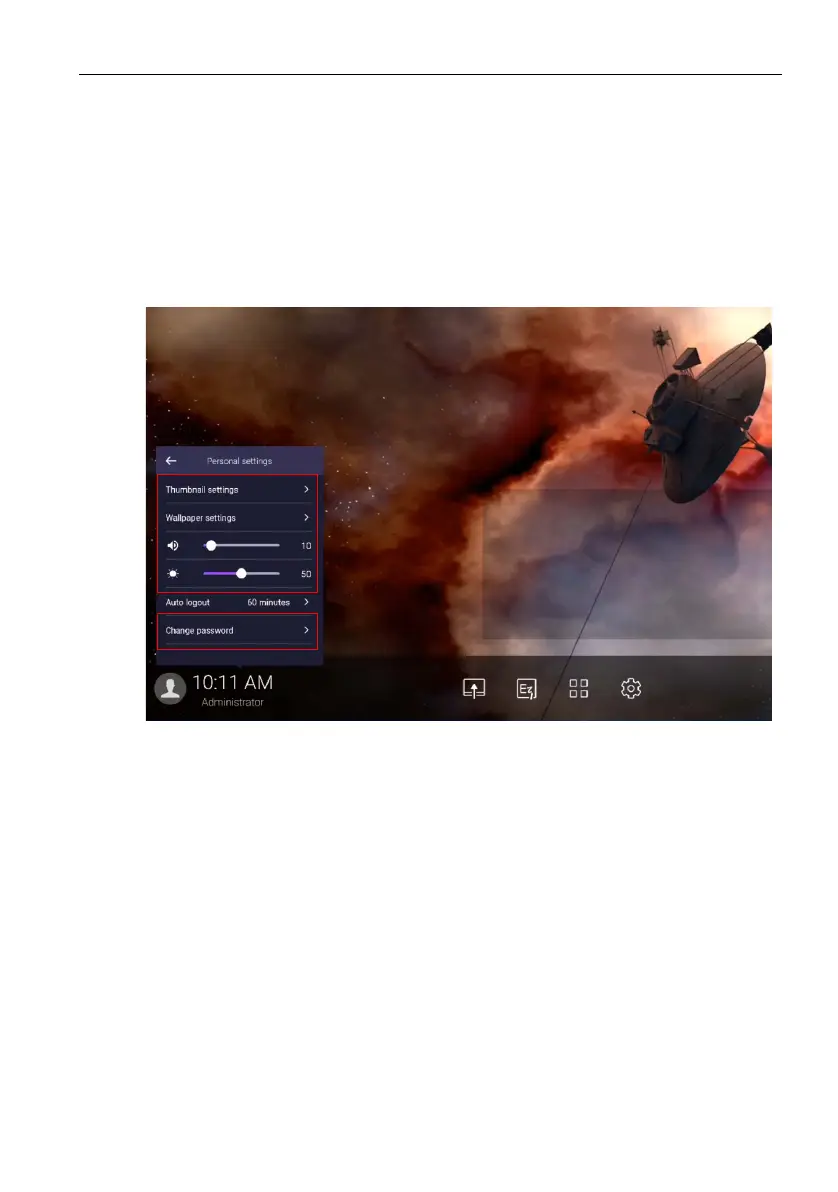
Log in as Admin. Under Personal settings, you can change the headshot, wallpaper, and
password. You can also adjust volume, brightness, and set Auto logout.
Multiple users
To access your personal account, you have to ask the administrator to activate AMS
service first and create your account through IAM service. Refer to User Management
on page 22 for more information.



 To Next Page