System interface45
Browse
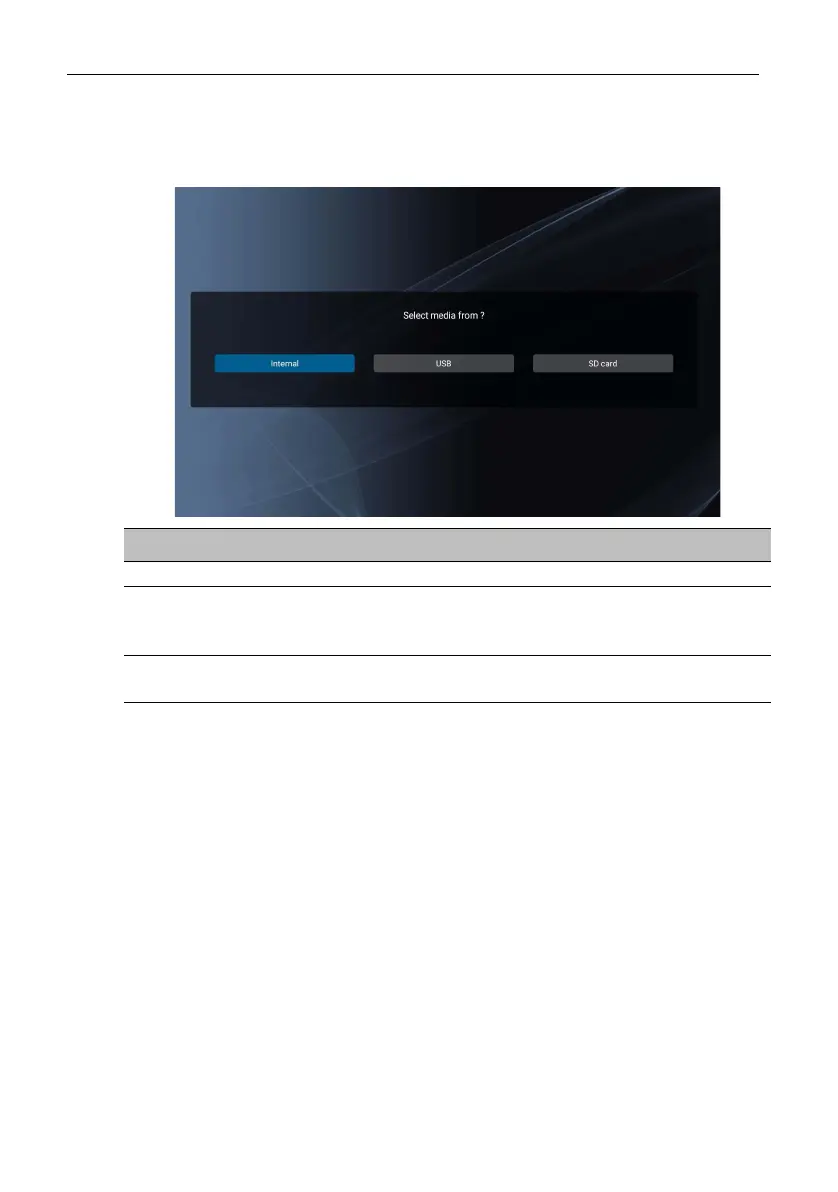
When selecting Browse on the main Media Player screen, a message will appear
allowing you to select where your files are located. Once a file is selected from the
location, it will begin playing.
Menu Description
Internal Searches for files from the internal storage of the display.
USB
Searches for files from a USB flash drive connected to the
display through the USB2.0 port at the left side of the
display.
SD card
Searches for files from a microSD card inserted into the
TF port at the left side of the display.



 To Next Page