System interface 44
Media Player
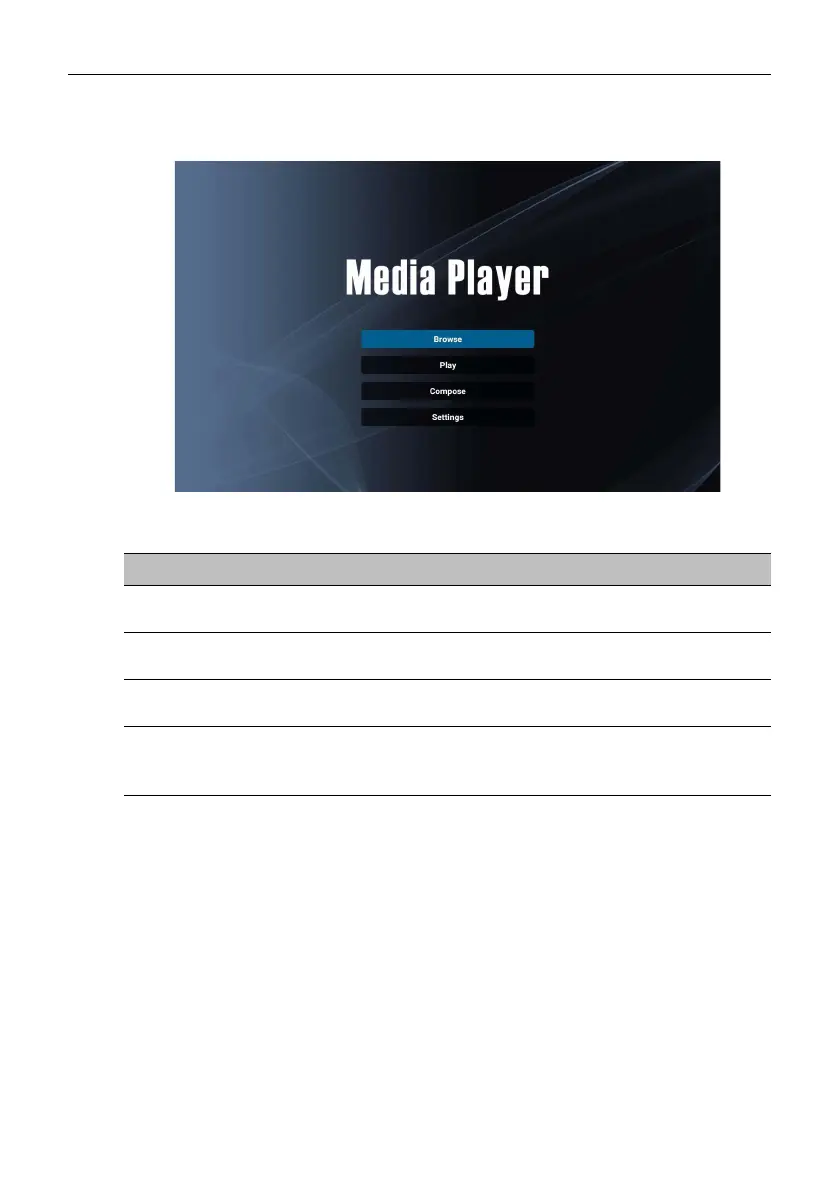
Media Player allows you to view your photos or play audio or video files. Media
Player also allows you to create and play playlists of your media files.
After Media Player is launched, you will see the main Media Player screen with the
following options:
Menu Description
Browse
Allows you to search for and play individual media files.
Refer to Browse on page 45 for more information.
Play
Allows you to play your playlists. Refer to Play on page 46
for more information.
Compose
Allows you to create or edit playlists for your media files.
Refer to Compose on page 47 for more information.
Settings
Allows you to set the audio or video effects for your
media files. Refer to Settings on page 50 for more
information.



 To Next Page