System interface 48
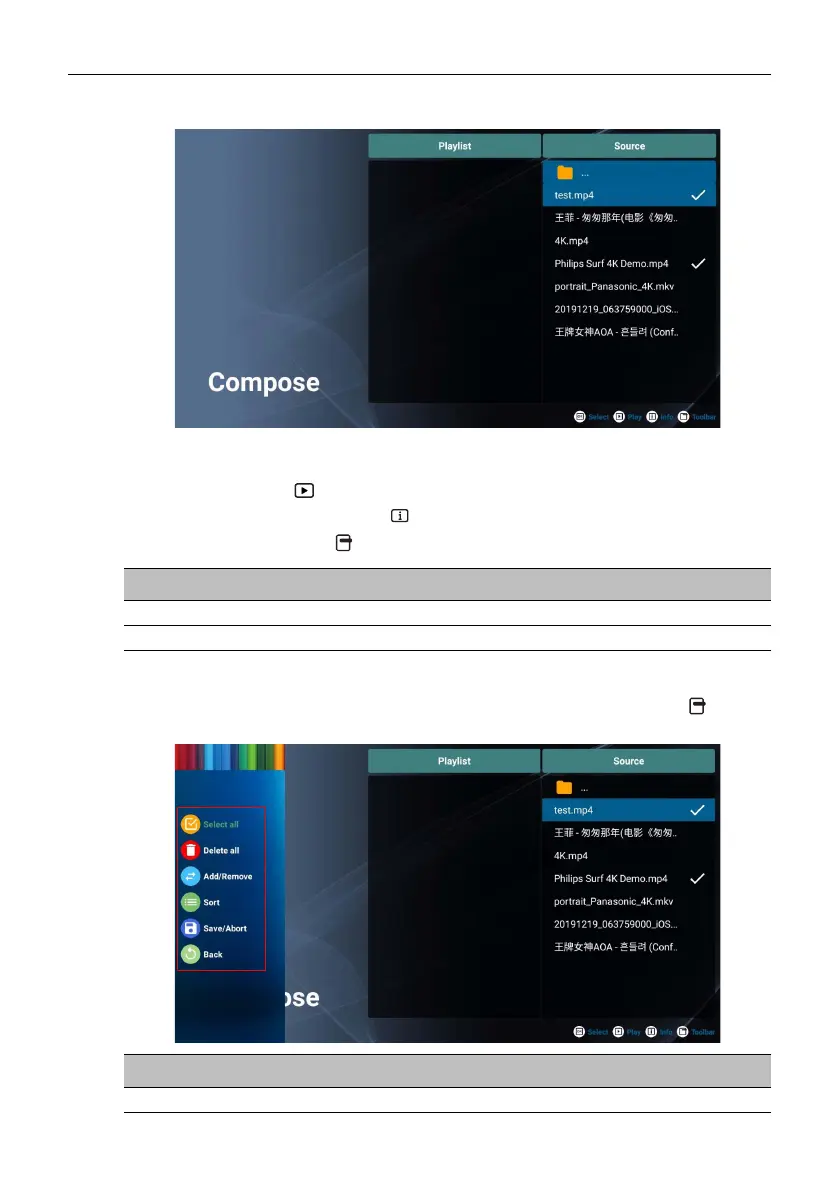
When the Compose screen appear, you can start creating a playlist or editing an
existing playlist.
You can use the remote control to create or edit a playlist.
• To confirm the selected item, press OK.
• To play the file, press
.
• To see the file’s information, press .
• To open the toolbar, press . Refer to Toolbar on page 48 for more information.
Toolbar
Compose provides various tools to help create or edit your playlists. Press on the
remote control to open the toolbar.
Menu Description
Playlist Displays the files in the playlist.
Source Displays the files in the internal storage.
Menu Description
Select all Selects all files in the internal storage.



 To Next Page