Important safety instructions 3
English
Important safety instructions
Your projector is designed and tested to meet the latest standards for safety of
information technology equipment. However, to ensure safe use of this product, it is
important that you follow the instructions mentioned in this manual and marked on the
product.
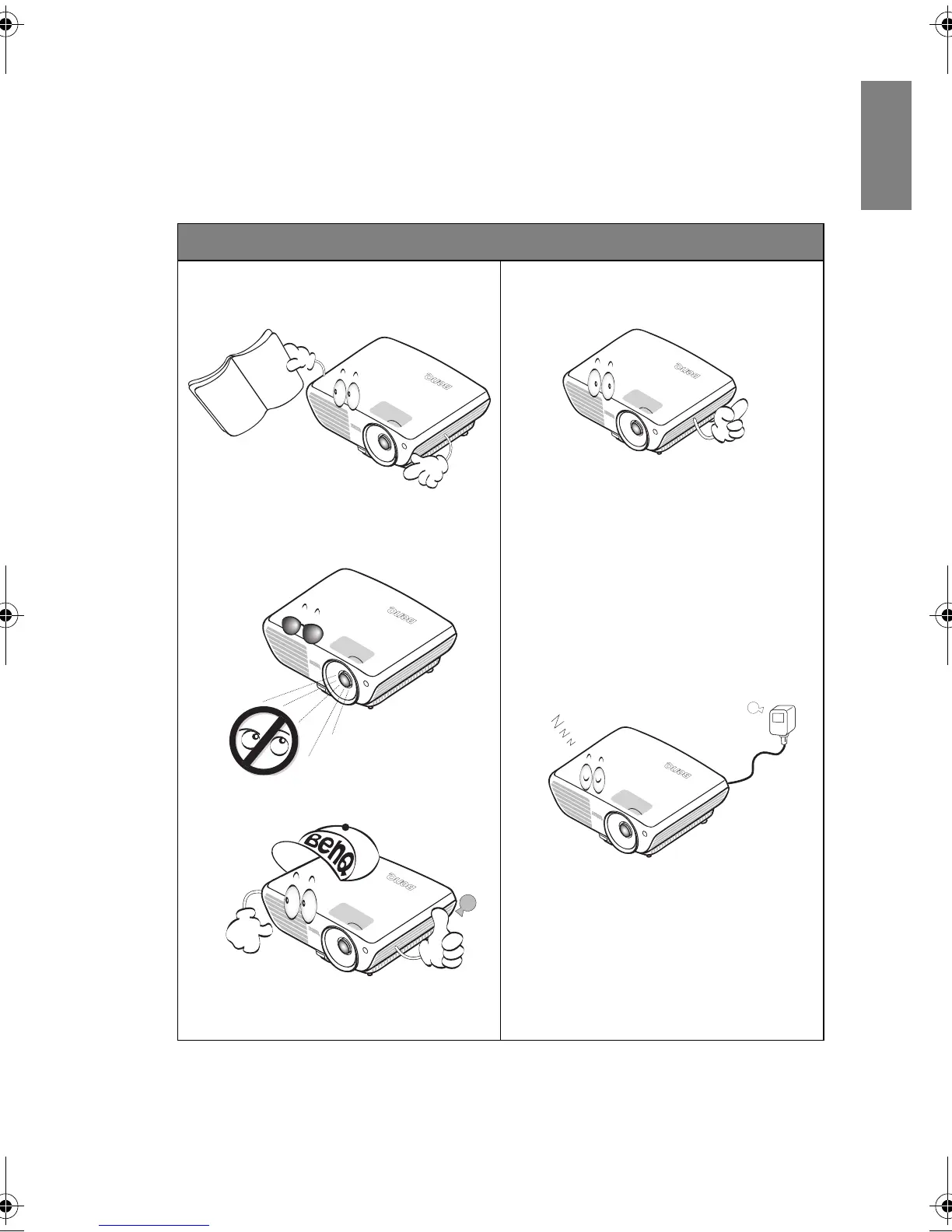
Safety Instructions
1. Please read this manual before you
operate your projector. Save it for
future reference.
2. Do not look straight at the projector
lens during
operation. The intense
light beam may damage your eyes.
3. Refer servicing to qualified service
per
sonnel.
4. Always open the lens shutter or
re
move the lens cap when the
projector lamp is on.
5. In some countries, the line voltage is
NOT st
able. This projector is designed
to operate safely within a mains
voltage between 100 to 240 volts AC,
but could fail if power cuts or surges of
±10 volts occur. In areas where the
mains voltage may fluctuate or cut
out, it is recommended that you
connect your projector through a
power stabilizer, surge protector or
uninterruptible power supply (UPS).
6. Do not block the projection lens with
a
ny ob
jects when the projector is
under operation as this could cause
the objects to become heated and
deformed or even cause a fire. To
temporarily turn off the lamp, press
BLANK on the projector or remote
control.
BenQ W703D.book Page 3 Friday, November 25, 2011 9:49 AM



 To Next Page