Operation 33
English
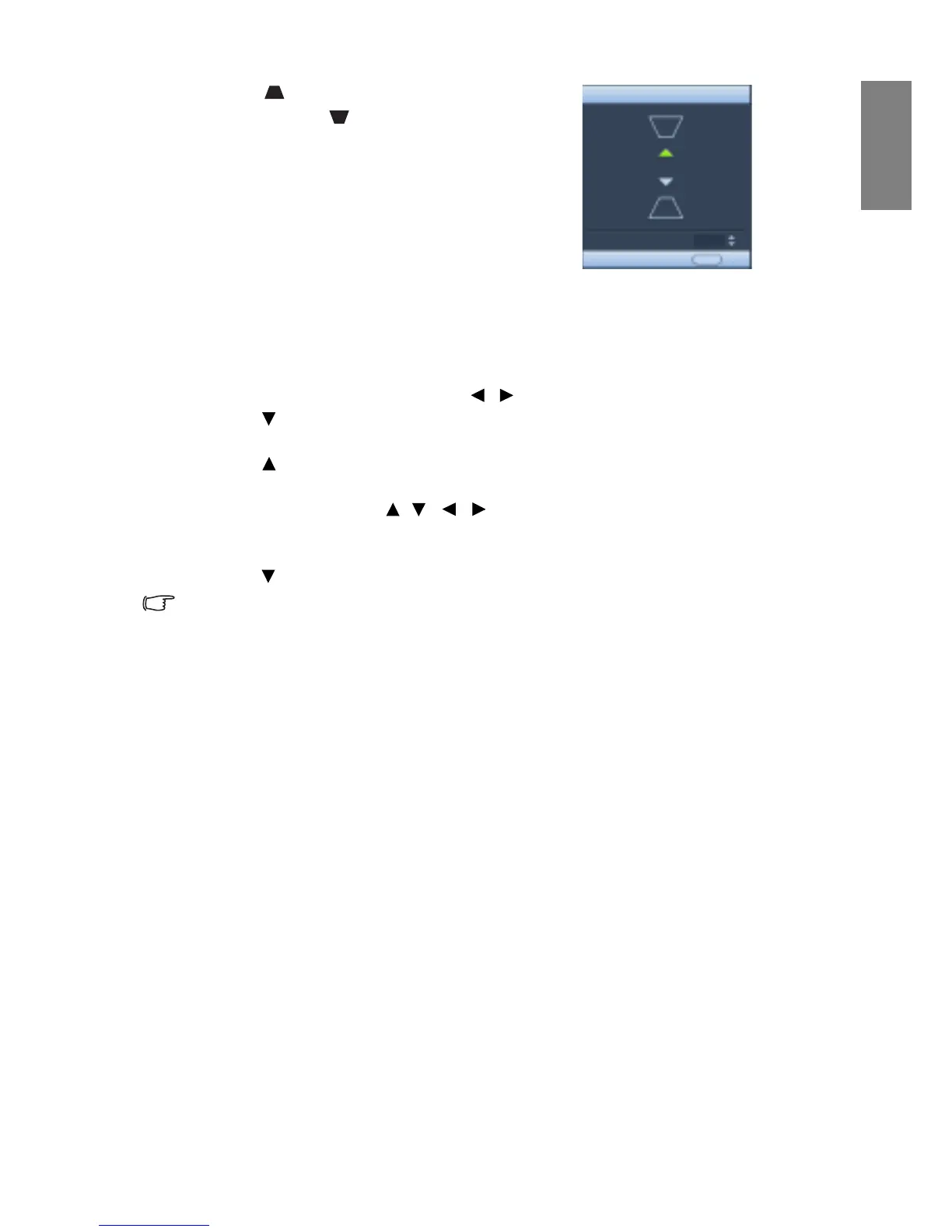
5. Press to correct keystoning at the top of the
image or press to correct keystoning at the
bottom of the image.
Magnifying and searching for details
If you need to find the details on the projected picture, magnify the picture. Use the
direction arrow keys for navigating the picture.
1. Press MENU/E
XIT and then press / until the DISPLAY menu is highlighted.
2. Press
to highlight Digital Zoom and press MODE/ENTER. The Zoom bar
displays.
3. Press on the projector repeatedly to magnify the picture to a desired size.
4. To navigate the picture, press MO
D
E/ENTER to switch to the paning mode and press
the directional arrows ( , , , ) to navigate the picture.
5. To reduce size of the picture, press MOD
E/ENTER to switch back to the zoom in/out
functionality, and press AUTO to restore the picture to its original size. You can also
press repeatedly until it is restored to the original size.
The picture can only be navigated after the picture is magnified. You can further magnify the
picture while searching for details.
Watching 3D content
Your BenQ projector supports playing two-dimensional (2D) to three-dimensional (3D)
content transferred through HDMI or 3D content transferred through D-Sub, HDMI,
Video, and S-Video. Yet you need the required compatible hardware accessories and software
to play 3D content on BenQ projector.
• Use corrective glasses or other such methods to correct your eyesight if you suffer from
my
opia, hyperopia, astigmatism, or have eyesight differences between the left and right
eyes before putting on the 3D Glasses to watch the 3D content.
• When the projector starts to project the 3D images, the image may seem misplaced,
howe
ver, this is not a product malfunction.
• Take appropriate breaks when watching 3D content.
• Stop watching 3D content if you feel fatigue or discomfort.
• Keep a distance from the screen of about three times the effective height of the screen
w
h
en watching 3D content.
• Children and people with a history of oversensitivity to light, heart problems, or have
any
other existing medical condition should be refrained from watching 3D content.



 To Next Page