Operation46
English
Menu operation
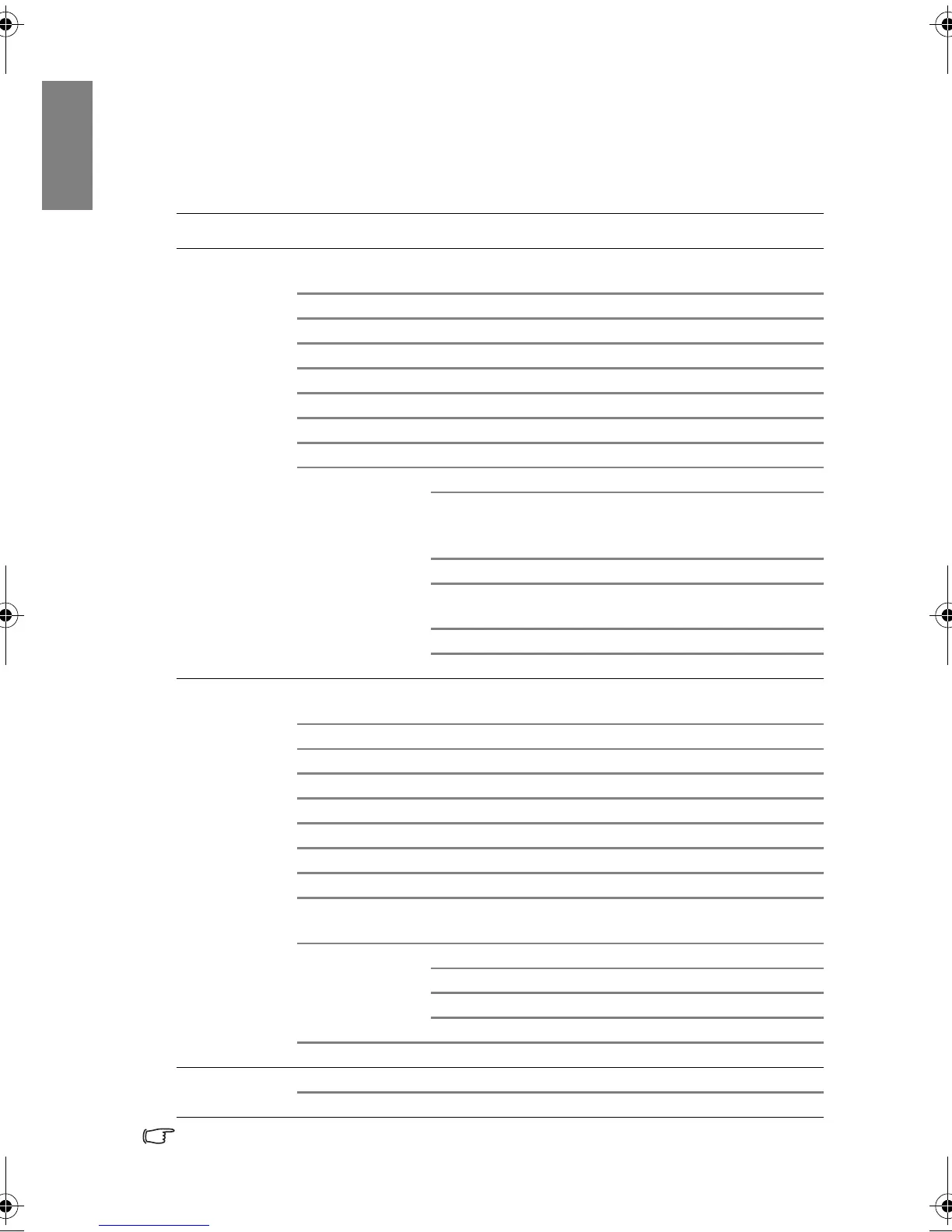
Menu system
Please note that the on-screen display (OSD) menus vary according to the signal type
selected.
* Supported when 3D is On.
Main menu Sub-menu Options
1.
DISPLAY
Wall Color
Off/Light Yellow/Pi
nk/Light
Green/Blue/Blackboard
Aspect Ratio Auto/Real/4:
3/
16:9/16:10
Auto Keystone On/Off
Keysto
ne
Position
Phase
H. Size
Digital Zoom
3D
3D Direct Sync Auto/On/Of
f
3D Form
at
Frame Sequential/Fram
e
Packing/Top-Bottom/Side-by-
Side
2D to 3D Off/On
2D to 3D Deep
Inward 1/ Inward 2/ Inwa
rd 3/
Outward 1/Outward
2/Outward 3
2D to 3D Curve 0/1/2
/3
3D S
ync Invert Disable/Invert
2.
PICTURE
Picture Mode
Bright
/
Living Room
/
Gaming
/
Cinema
/
User 1
/
User 2
/
3D
*/
User 3
*
Reference Mode Bright
/
Living Room
/
Gaming/Cinema
/
3D
*
Brightness
Contrast
Color
Tint
Sharpness
Brilliant Color On/Of
f
Col
or
Temp
erature
Warmer/Warm/Normal/Cool/
Cooler
3D Color
Manag
ement
Primary color R/G/B/C/M/Y
Hue
Saturation
Gain
Save Settings
3. SOURCE
Quick Auto Search On/Off
Color Space Conversion Auto/RGB/YUV
BenQ W703D.book Page 46 Friday, November 25, 2011 9:49 AM



 To Next Page