Operation44
English
Adjusting the sound
The sound adjustments made as below will have an effect on the projector speakers. Be sure
you have made a correct connection to the projector audio input. See
"Connection" on page
19
for how the audio input is connected.
Muting the sound
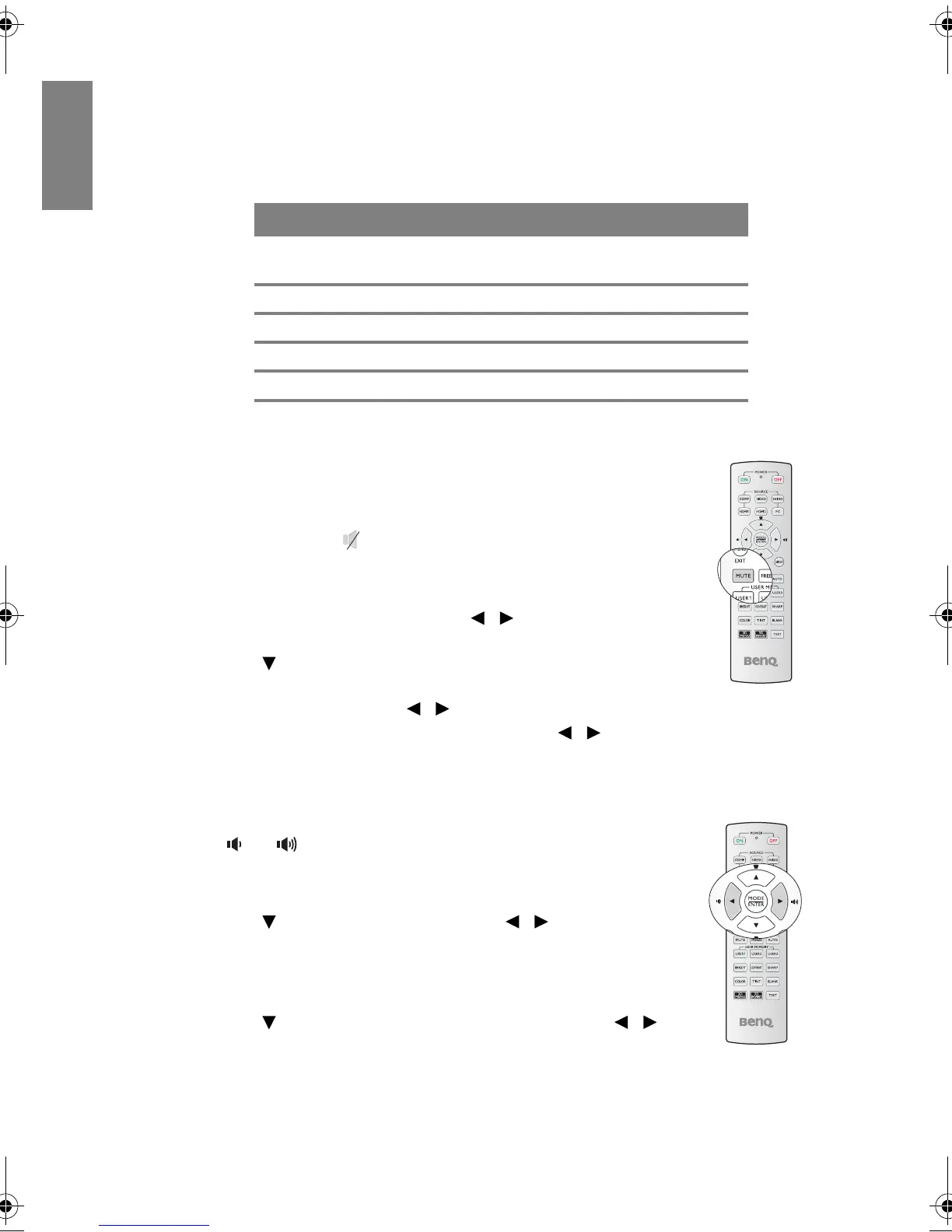
To temporarily turn off the sound,
•Using the remote control
Press MUTE to temp
orarily turn off the sound. While the sound is off,
the screen will display in the upper right corner of the screen.
To restore the sound, press MUTE again.
•U
sing the OSD menu
1. Press MENU/EXI
T and then press / until the SYSTEM
SETUP: Advanced menu is h
ighlighted.
2. Press to highlight Audi
o Settings and press ENTER.
The Audio Settings page
displays.
3. Highlight Mute an
d press / to select On.
4. To restore the sound, repeat steps 1-3 and press / to select Off.
Adjusting the sound level
To adjust the sound level,
•Using the remote control
Press or to select a desired sound level.
•Using the OSD menu
1. Repeat steps 1-2 above.
2. Press to highlight Vo
lu
me and press / to select a
desired sound level.
Turning off the Power on/off ring tone
1. Repeat steps 1-2 above.
2. Press to highlight Power on
/off ring tone and press /
to select Off.
The only way to change Power on/off ring tone is setting On or Off here. Setting the sound
mute or changing the sound level will not affect the Power on/off ring tone.
INPUT SOURCE AUDIO IN AUDIO OUT
Computer
PC
mini jack mini jack
HDMI 1/2 HDMI mini jack
Component RCA mini jack
VIDEO RCA mini jack
S-VIDEO RCA mini jack
BenQ W703D.book Page 44 Friday, November 25, 2011 9:49 AM



 To Next Page