Operation 37
English
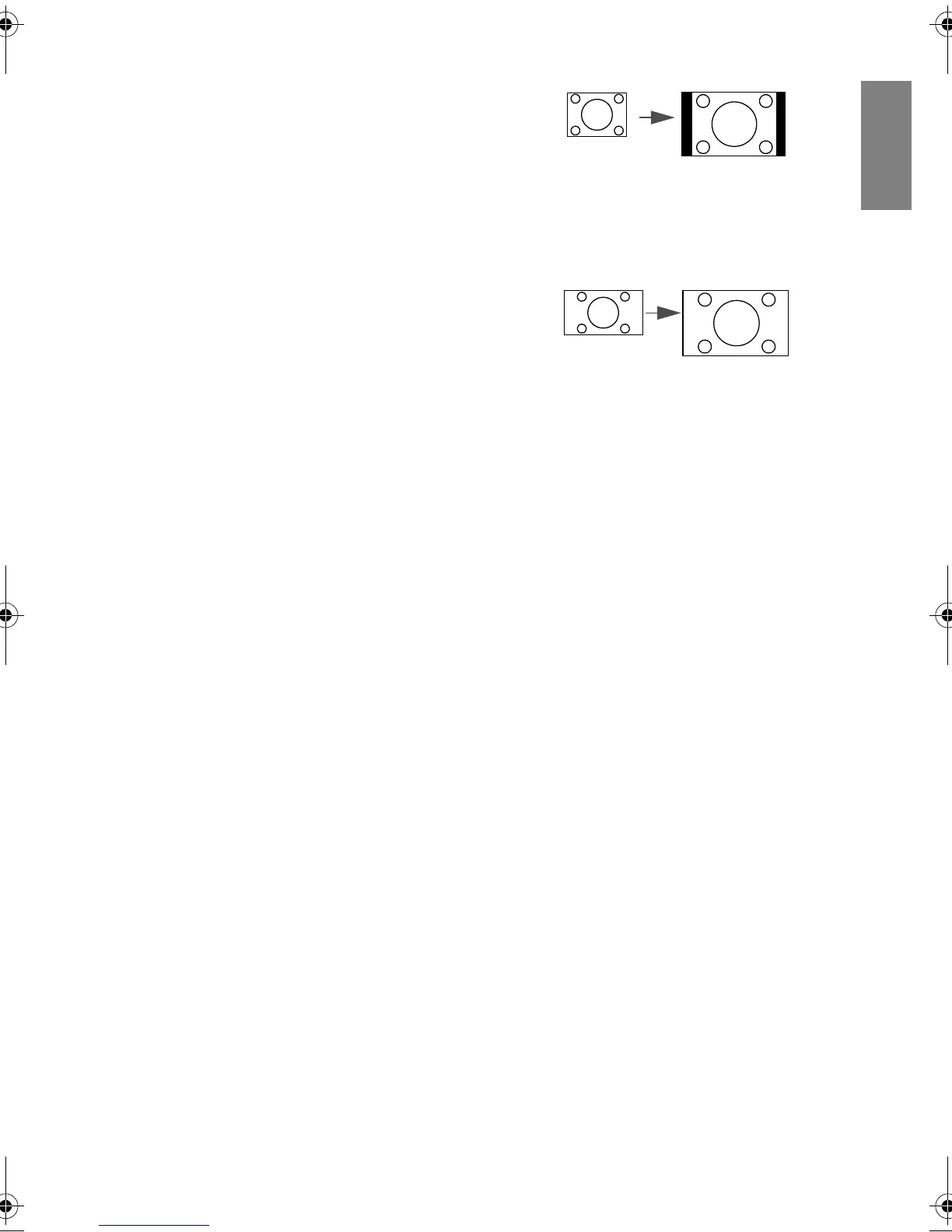
3. 4:3:
Scales an image so that it is displayed in
the center of the screen with a 4:3 aspect
ratio. This is most suitable for 4:3
images like computer monitors,
standard definition TV and 4:3 images
aspect DVD movies, as it displays them
without aspect alteration.
4. 16:9:
Scales an image so that it is displayed in
the center of the screen with a 16:9
aspect ratio. This is most suitable for
images which are already in a 16:9
aspect, like high definition TV, as it
displays them without aspect alteration.
5. 16:10:
Scales an image so that it is displayed in
the center of the screen with a 16:10
aspect ratio. This setting stretches and
resizes linearly.
BenQ W703D.book Page 37 Friday, November 25, 2011 9:49 AM



 To Next Page