29 Starting and stopping presentations
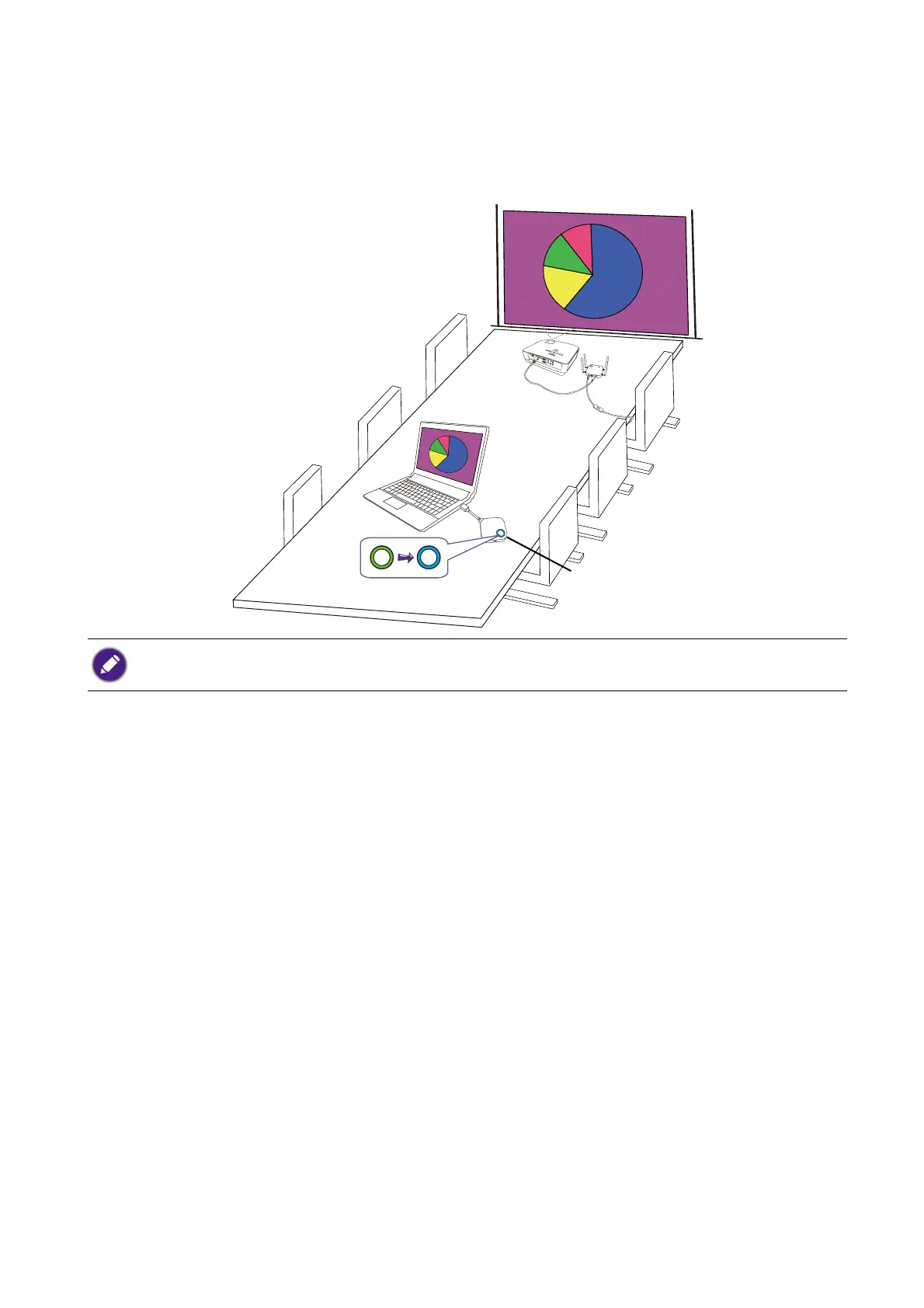
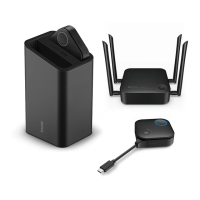
3. Please follow the instruction on the Guide screen to supply power to the Button. You can also
see Setting up and powering a Button on page 20 for more information. The LED indicator on
the Button is static green when the Button is connected and working properly.
4. To start a presentation, press the Present key.
5. The device starts presenting, and the LED indicator of the Button turns static blue.
Idle presentation
1. To stop a presentation, press the Present key.
2. The device stops presenting, and the LED indicator of the Button turns green.
• Make sure the transmission distance between the Button and Host is within 15M and with no obstacles.
• The product supports MacBooks and Windows laptops to mirror an extended desktop.



 To Next Page