57 Web management
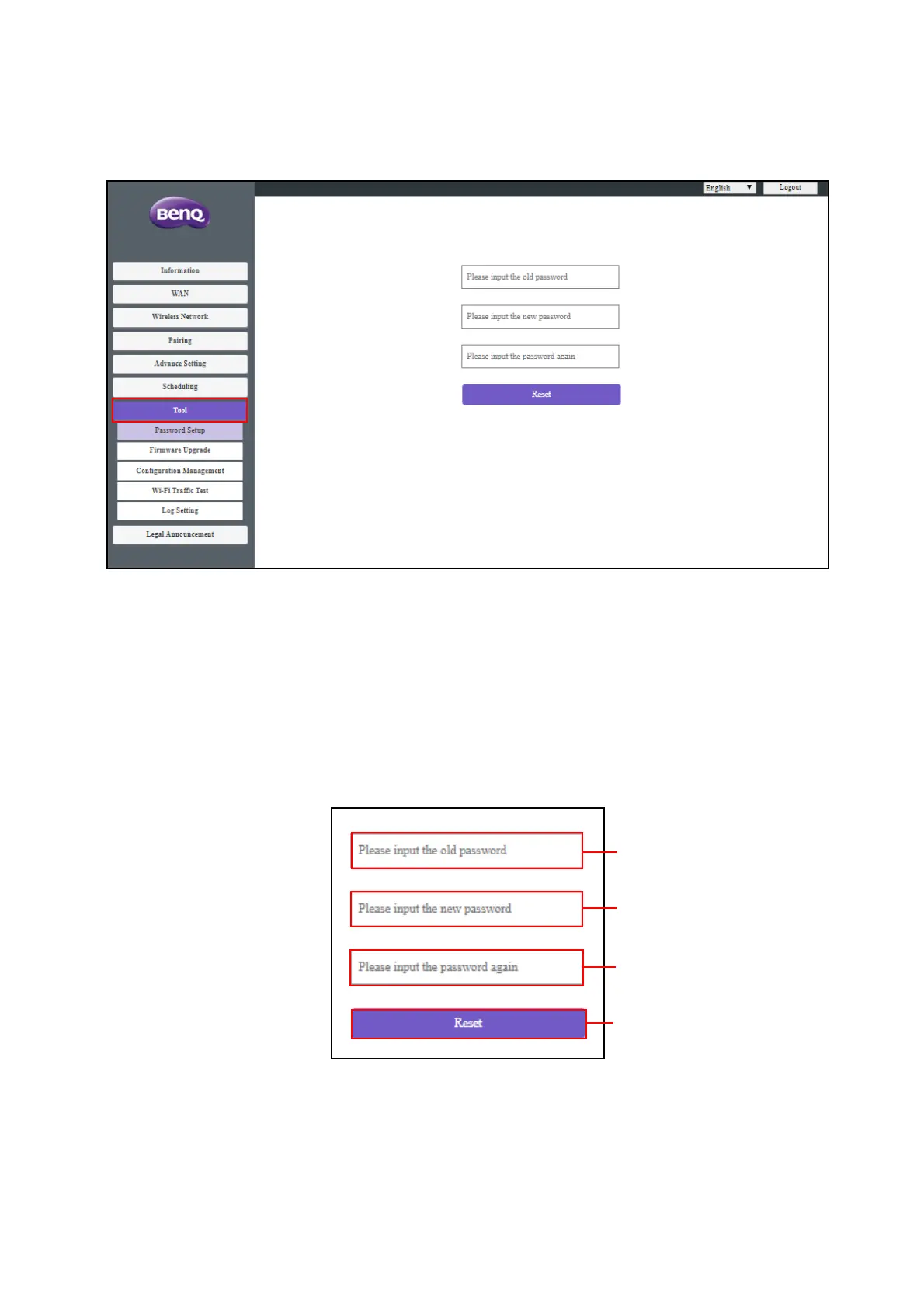
To o l
By clicking Tool, you can adjust Password Setup, Firmware Upgrade, Configuration
Management, Wi-Fi Traffic Test, and Log Setting.
Password Setup
You can change Password by:
1. Entering your old password.
2. Entering your new password.
3. Entering your new password again to confirm your new password.
4. Pressing Reset to proceed.



 To Next Page