34 Web management
Web management
The product is equipped with a web management interface that enables you to configure its features
through a browser such as Google Chrome (version 49.0.26), Internet Explorer (version 8.0), or
Firefox (version 46.0.1).
Accessing the web management interface
Logging into the web management interface via direct connection
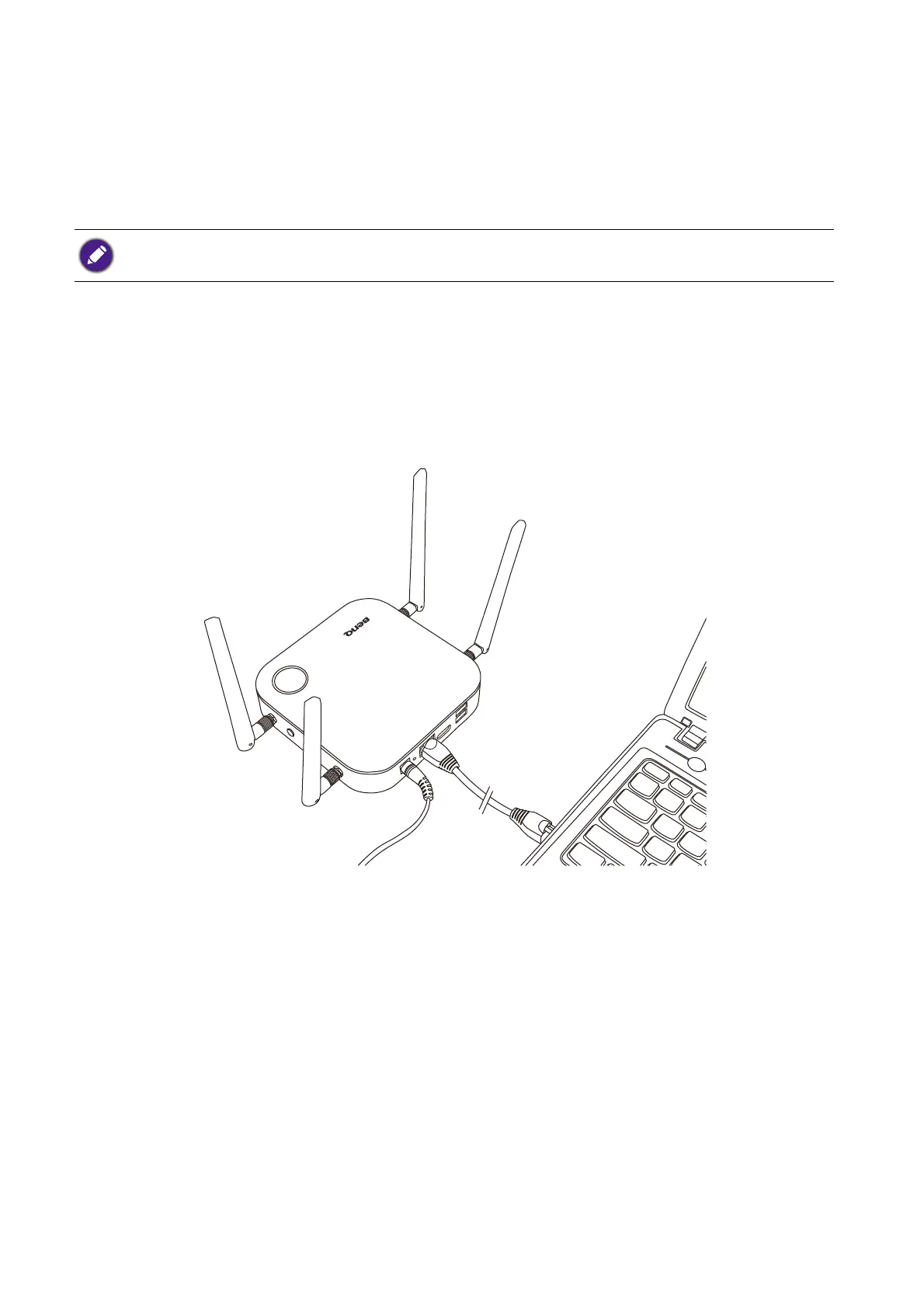
1. Connect your Host directly to a laptop using a network cable (RJ-45) and to a power source using
the power adapter.
2. Wait until the LED indicator on your Host lights up static green.
The features may vary according to different firmware versions.



 To Next Page