33 Starting and stopping presentations
Touch back
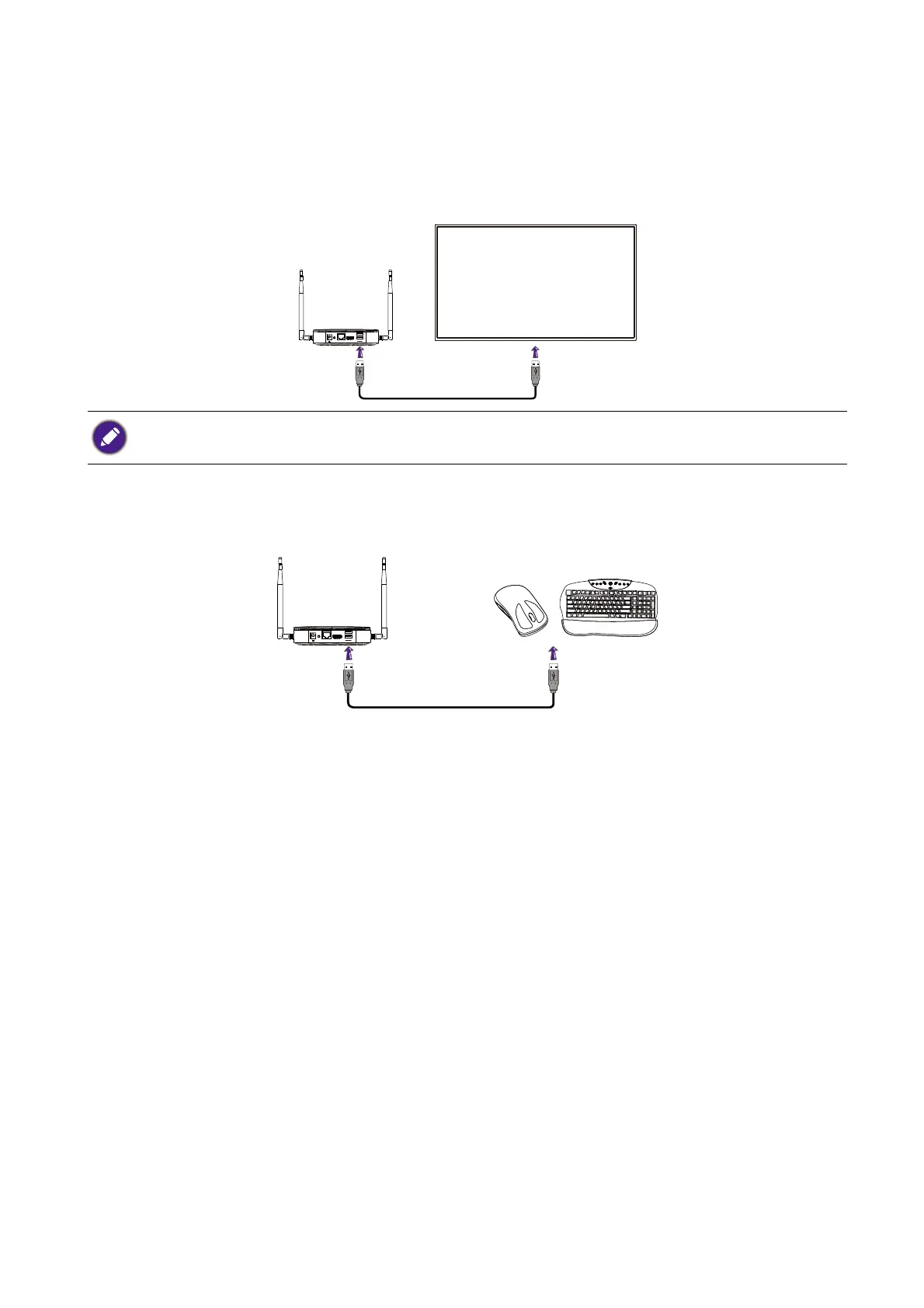
When a Host is connected to a touchscreen display and a PC is presenting via a Button, you can use
a USB Type-A cable to connect any of the USB ports located at the rear of the Host to the touch
input USB port of the display to control the interface of the PC remotely via touch gestures on the
display.
For presentations that do not feature a touchscreen display, you can connect a USB mouse and/or
USB keyboard to any of the USB ports located at the rear of the Host to control the interface of the
presenting computer and input text remotely via the mouse/keyboard.
The product only supports touch back for Windows-based PCs. It does not support touch back for MacBooks or
smartphones connected via the InstaShare app.
USB 2
USB 1
WAN
RESET HDMI



 To Next Page