66 Web management
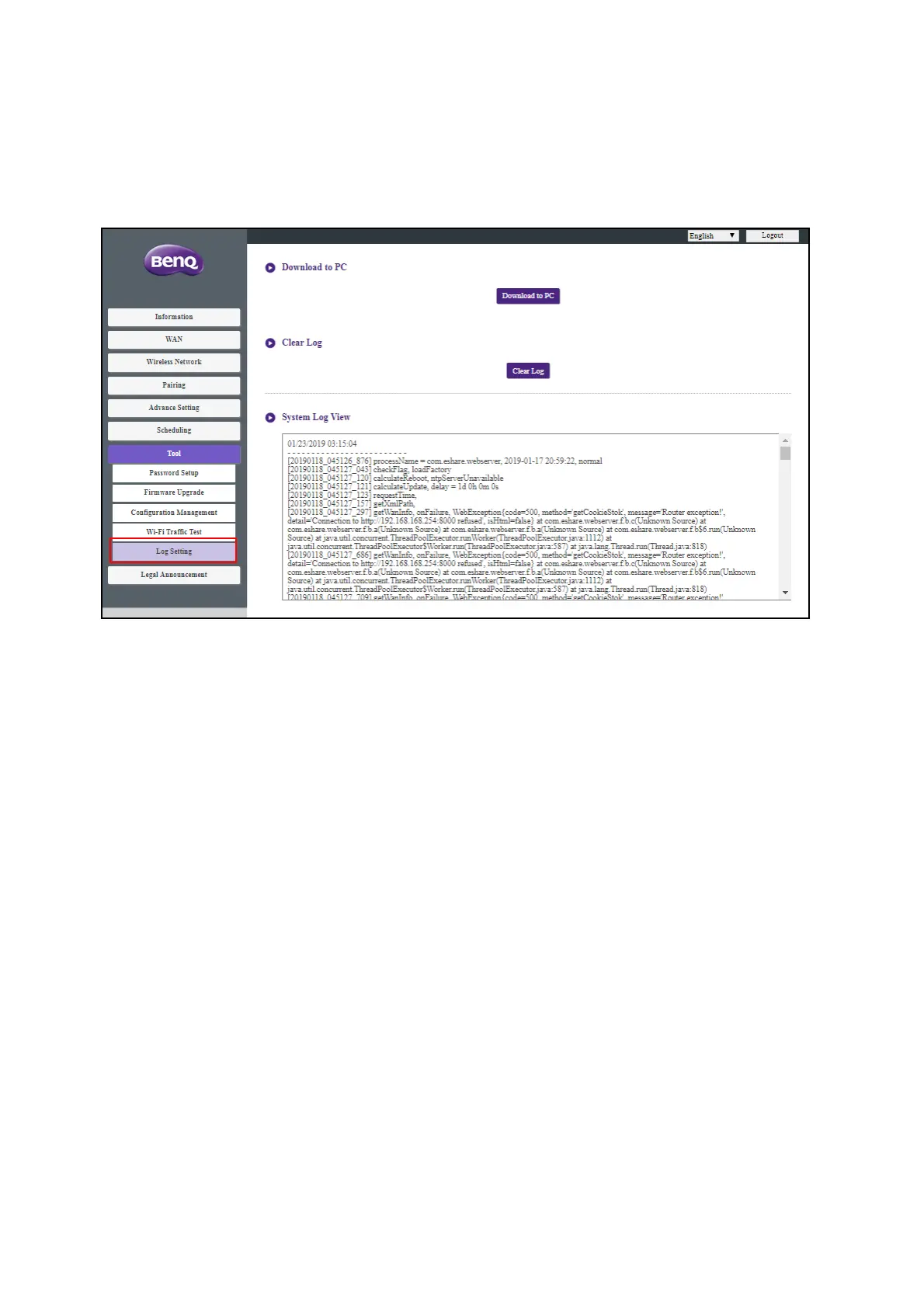
Log Setting
Logs are records of all system activity for your Host, which may be used by support technicians to
track errors or locate bugs. In the Log Setting menu, download the system log to your local
computer by clicking Download To PC, clear the system log by clicking Clear Log, and view the
system log in the System Log View window.
Legal Announcement
For information about disclaimer or privacy policy, press Legal Announcement to find out more.



 To Next Page