48 Web management
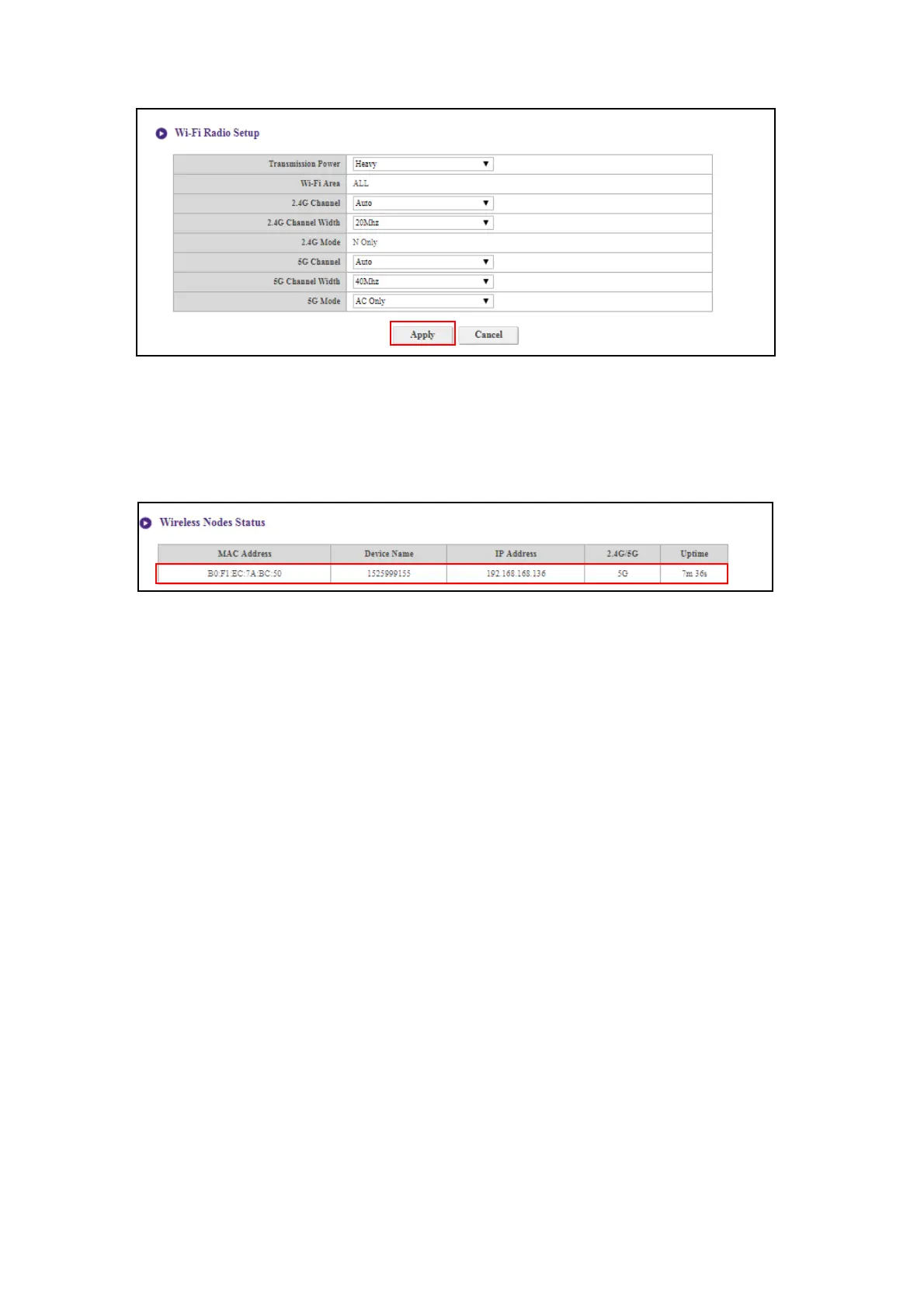
After you configure all the Wireless Network settings, press Apply to proceed.
Wireless Nodes Status
The Wireless Nodes Status sub-menu lists all the devices connected to the Host via Wi-Fi
indicates their MAC Address, Device Name, IP Address, Wi-Fi channel used (2.4G/5G), and
connection time (Uptime).



 To Next Page