52 Web management
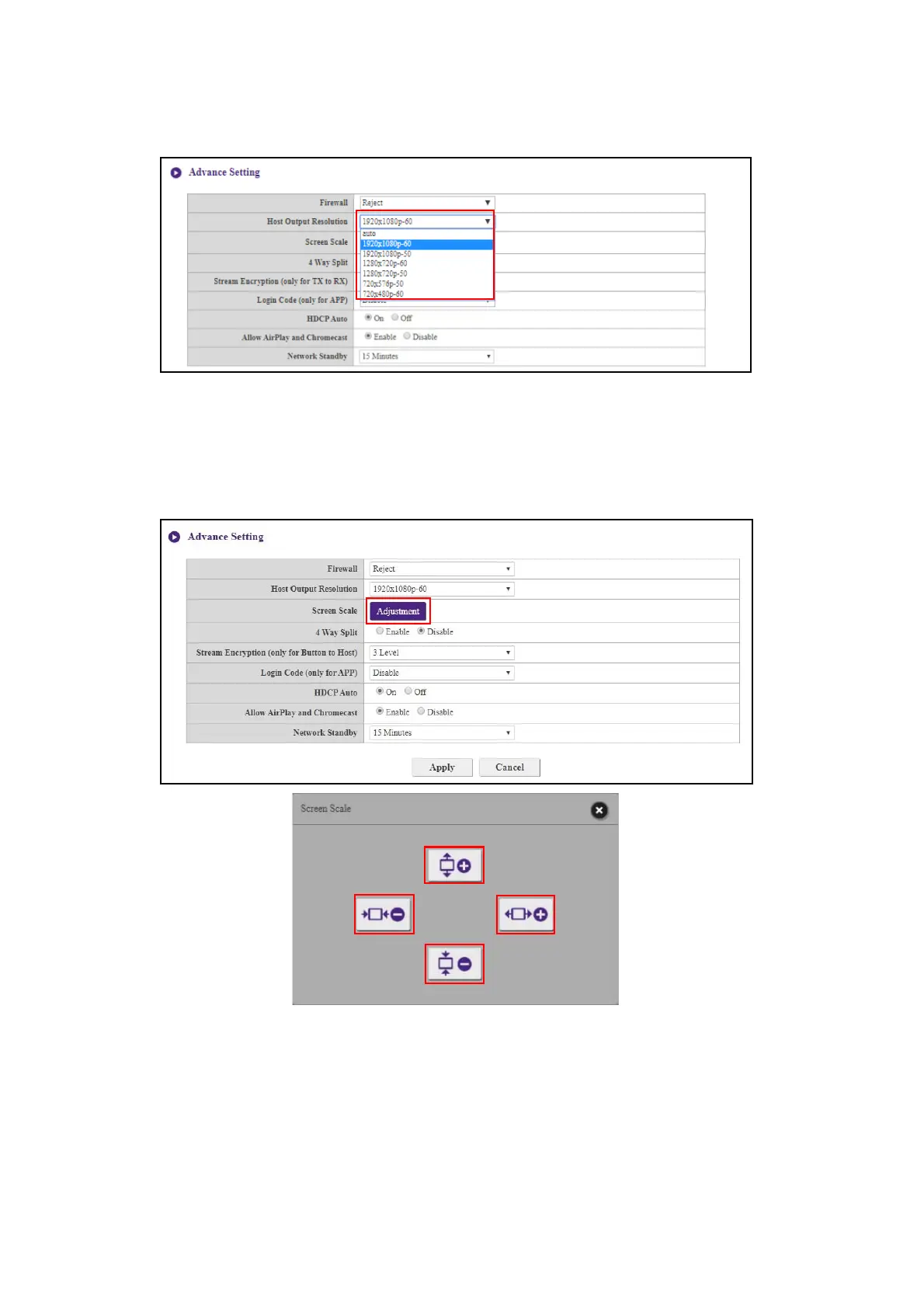
Host Output Resolution configures the Host’s output resolution for video broadcast by the Host.
When Host Output Resolution mode is set to Auto the Host will select the output resolution
based on the connected display’s native timing, or you can select an output resolution manually.
Screen Scale allows users to adjust the borders of the Host’s video output so that it properly fits
the screen of the connected display. This setting is mainly intended for users who connect the Host
to a touchscreen display, so that the edges of the video align to the edges of the display’s screen to
ensure the accuracy of touch gestures. To adjust the Screen Scale setting, click the Adjustment
button, then use the toggle buttons to scale the video to fit the screen.



 To Next Page