55 Web management
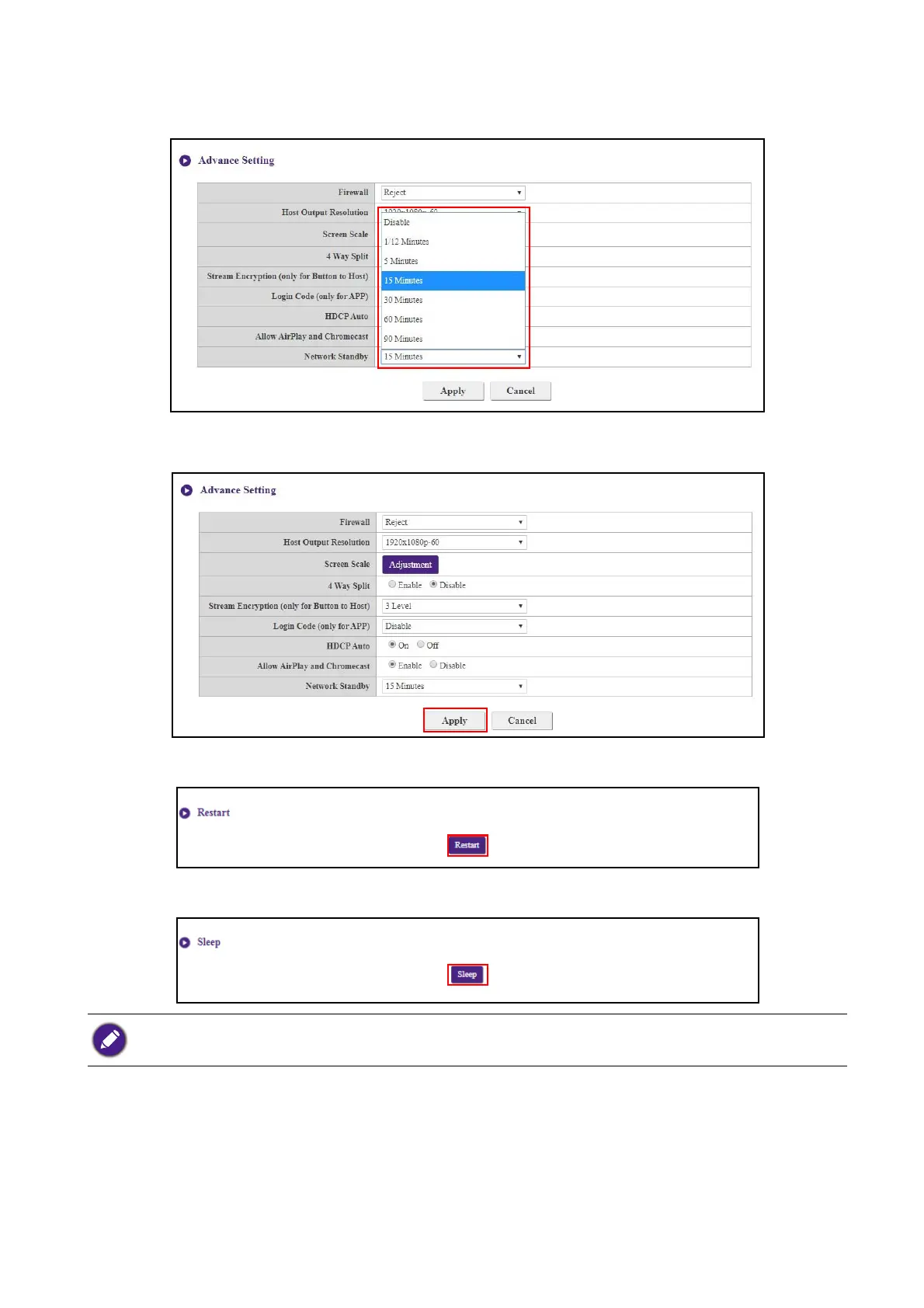
Network Standby allows you to set the time of inactivity before the Host enters network standby
mode.
After you configure all the Advance Setting items, press Apply to proceed.
If you want to restart the Host, click Restart and the Host will restart.
If you want to place the Host in sleep mode, click Sleep.
To wake the Host from sleep mode, press the standby button on the top of the Host.



 To Next Page