Functions
26
Functions
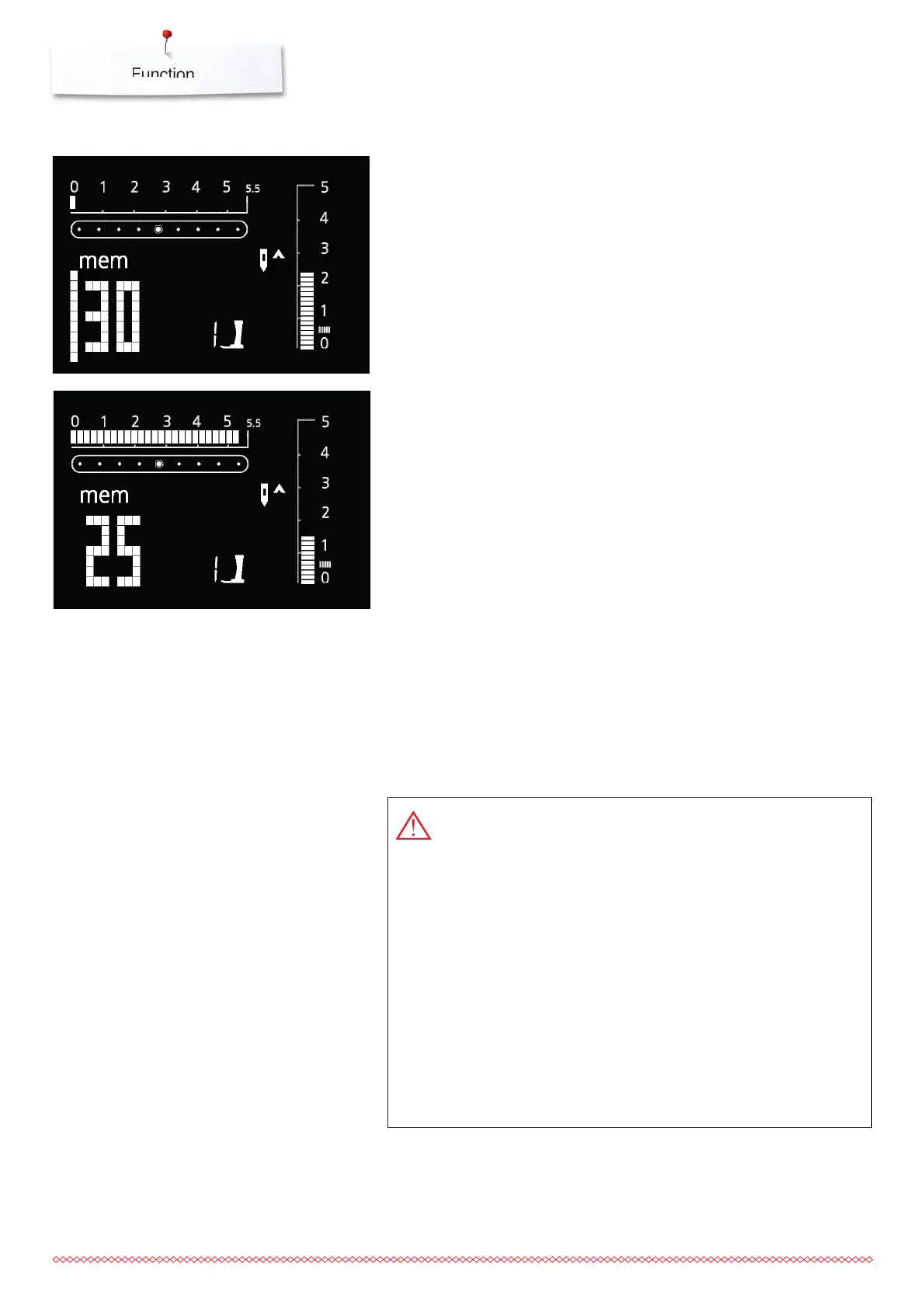
Opening the memory
⦁
press the button 2
⦁
the cursor and the available number of empty memory spaces (e.g. 30)
start to blink, and «mem» appears
⦁
select desired stitch pattern
⦁
the number of the stitch pattern appears on the display
⦁
press the button 3
⦁
the stitch is programmed
⦁
the number of available memory spaces appears
⦁
select the next stitch pattern and program as described, etc.
Programming Practical and Decorative Stitches
Starting to sew
⦁
press the foot control = the sewing computer starts automatically at the
beginning of a stitch pattern combination
⦁
select Pattern End as well = the sewing computer stops automatically at the
end of a stitch pattern combination
The following special programs cannot be saved in memory:
325:
No. 5 Securing program
No. 10 Buttonhole
No. 11 Button sewing-on program
No. 16 Darning program
335:
No. 5 Securing program
No. 10-13 Buttonholes
No. 14 Button sewing-on program
No. 15 Eyelet
No. 22 Darning program
No. 23 Basting stitch






 To Next Page