Buttonholes
39
Buttonholes
Buttonhole foot with slide no. 3A
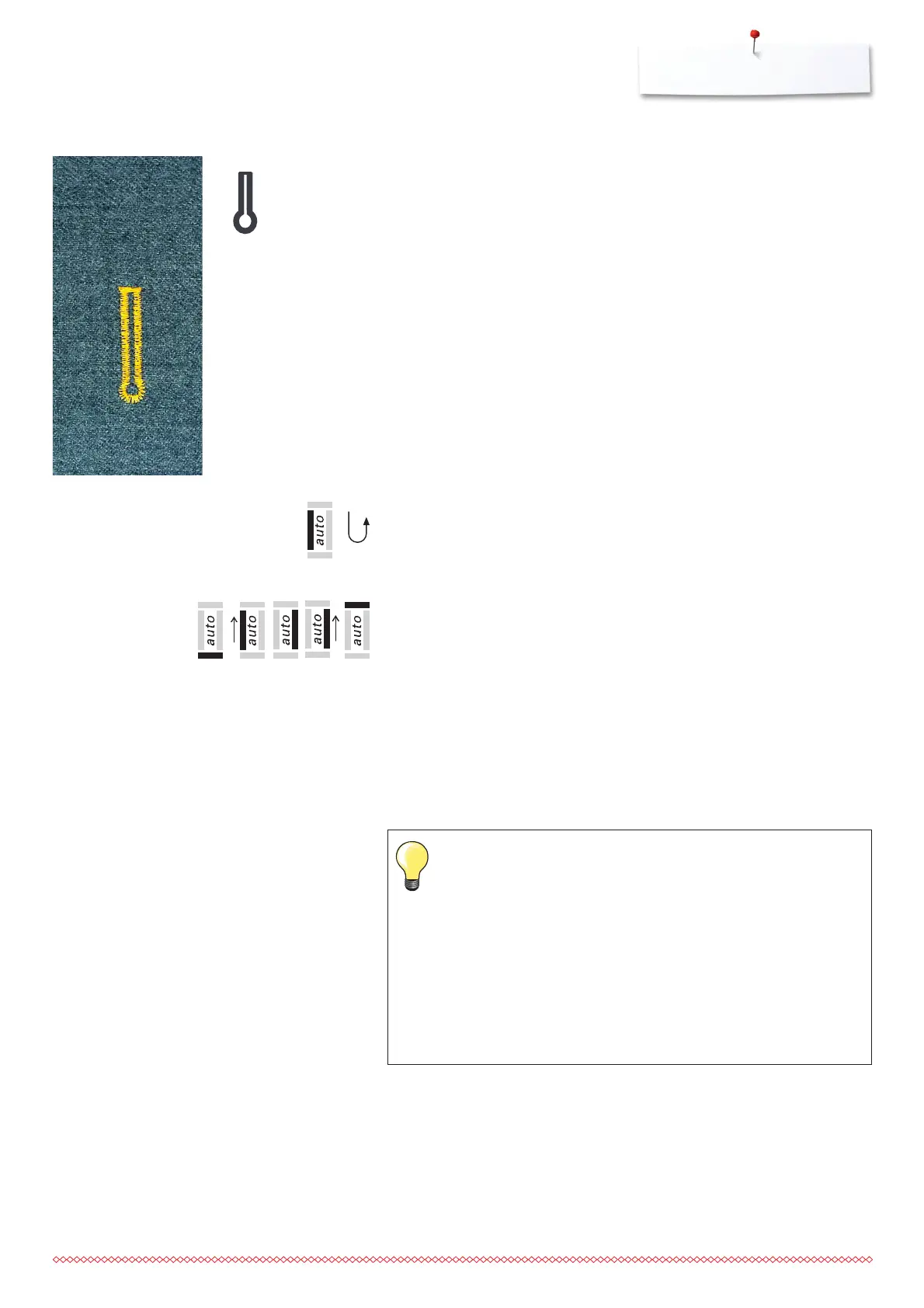
Automatic keyhole buttonhole
Automatic keyhole buttonhole with auto-length
Programming the buttonhole
1. sew the straight stitch forward, stop the sewing computer
⦁
press the Quick reverse button
►
«auto» and presser foot no. 3A appears on the screen = buttonhole
length is programmed
2. the sewing computer automatically sews the eye
3. the first bead in reverse
4. straight stitches forwards
5. the second bead in reverse
6. the bartack and securing stitches
⦁
the sewing computer stops and returns automatically to buttonhole
begin
Auto-buttonhole
⦁
all subsequent buttonholes will be sewn to exactly the same length (no
need to press the Quick reverse button)
⦁
clear the program by pressing the «clr» button
⦁
Saving programmed buttonholes in long-term memory (see p. 41)
5432
1
6
Exact duplicates
The auto function ensures that each buttonhole will be exactly the
same length as the previous one.
Double-sewn keyhole buttonholes
⦁
keyhole buttonholes can be sewn twice on thick fabrics - use a
longer stitch length for the first run
⦁
after sewing the first buttonhole, do not move the work
⦁
reduce the stitch length and tap the foot control once to begin
sewing again






 To Next Page