Functions
27
Functions
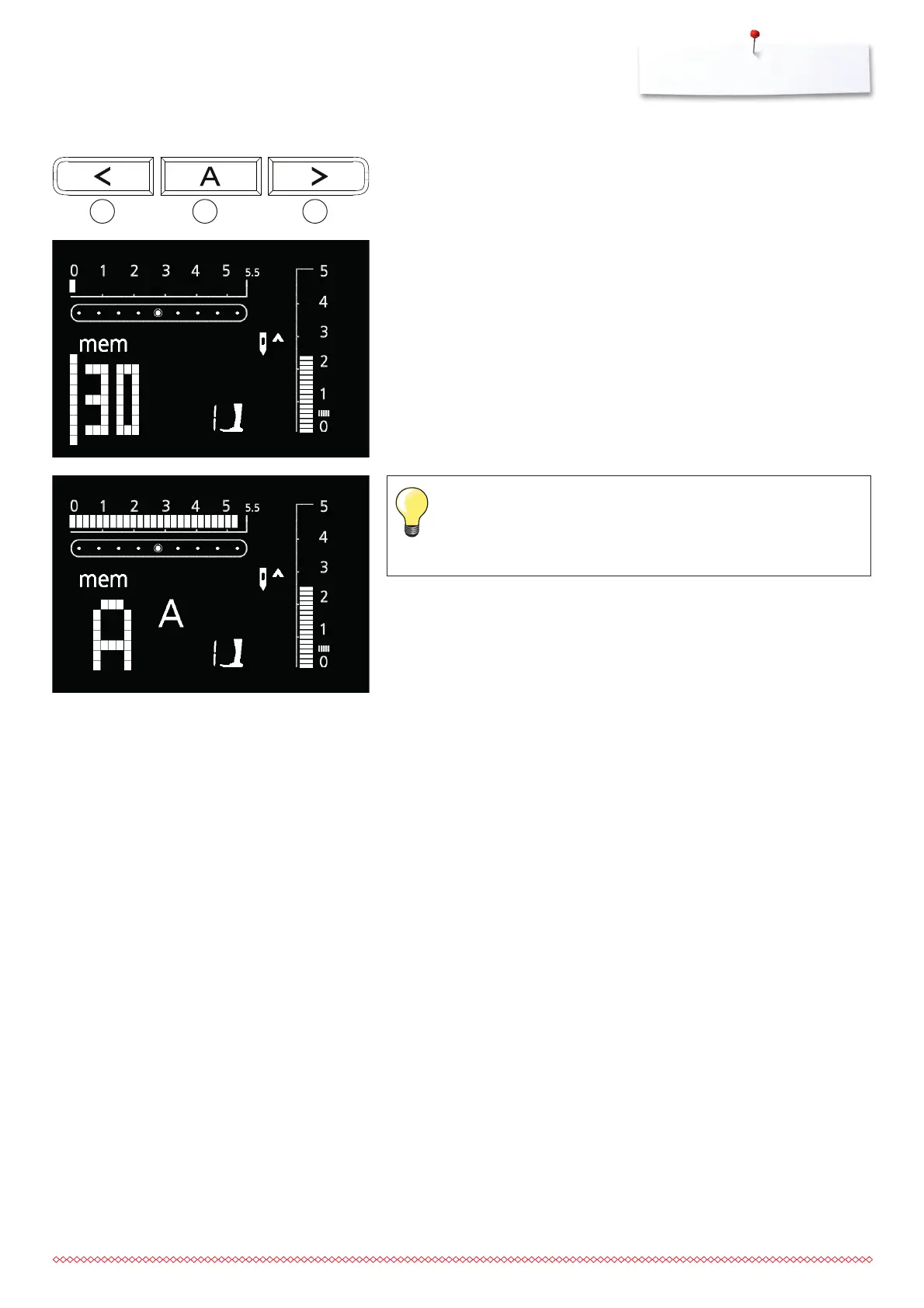
Opening the memory
⦁
press the button 2
⦁
the cursor and the available number of empty memory spaces (e.g. 30)
start to blink, and «mem» appears
⦁
press the Alphabet button 5 to select the alphabet of your choice
⦁
the letter A in the alphabet of your choice appears on the display
⦁
use the arrow buttons 4 and 6 to scroll the alphabet
⦁
select letter/number
⦁
press the button 3 = letter/number is programmed
⦁
the number of available memory spaces appears
⦁
proceed as described to select and program more letters and/or numbers
⦁
when programming more than one word, select the underscore symbol (_)
to program a space between the words
If the stitch length and/or width of letters or numbers have been
altered, the alterations will affect all of them.
If you only want to alter single letters or numbers, this must be done
individually.
Programming Alphabets and Numbers
64 5






 To Next Page