My BERNINA overlocker
33
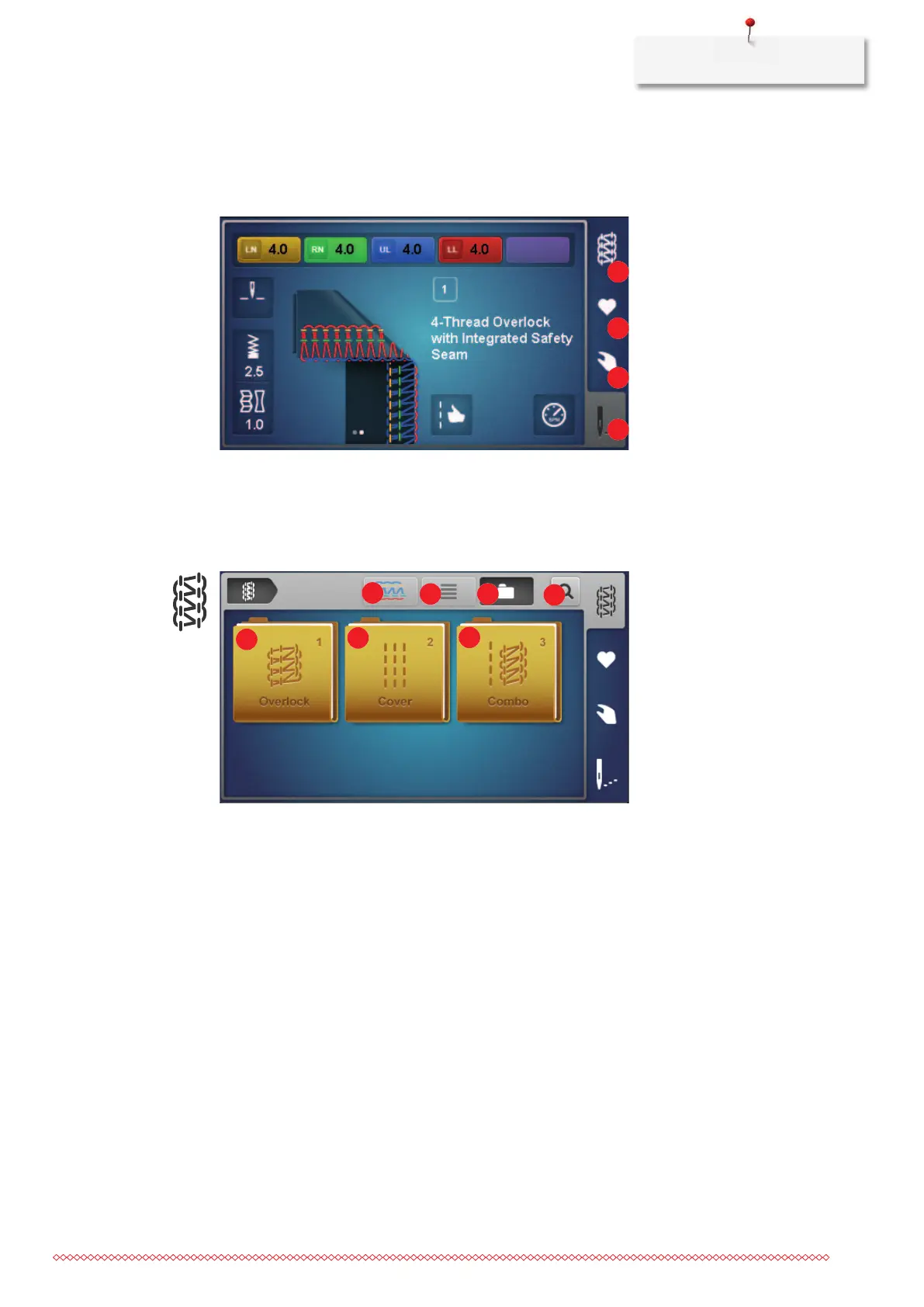
Sewing screen
This screen is for all settings that are directly related to a stitch. Different views or default values of the stitch
can be displayed or the setup wizard can be called up.
1 «Stitch selection» 3 «Manual settings»
2 «Personal memory» 4 «Stitch view»
Stitch selection
1 «Stitch pattern» To change the stitch view from schematic to realistic
view.
2 «Name» To activate/deactivate the stitch name next to the
stitch pattern.
3 «Folder structure» To switch between stitchgroups or all stitches.
4 «Stitch number» To select the stitch by entering the stitch number.
5 «Overlock» To select an overlock stitch from the folder structure.
6 «Cover» To select a coverstitch from the folder structure.
7 «Combo» To select a combo stitch from the folder structure.



 To Next Page