Setting up the machine
41
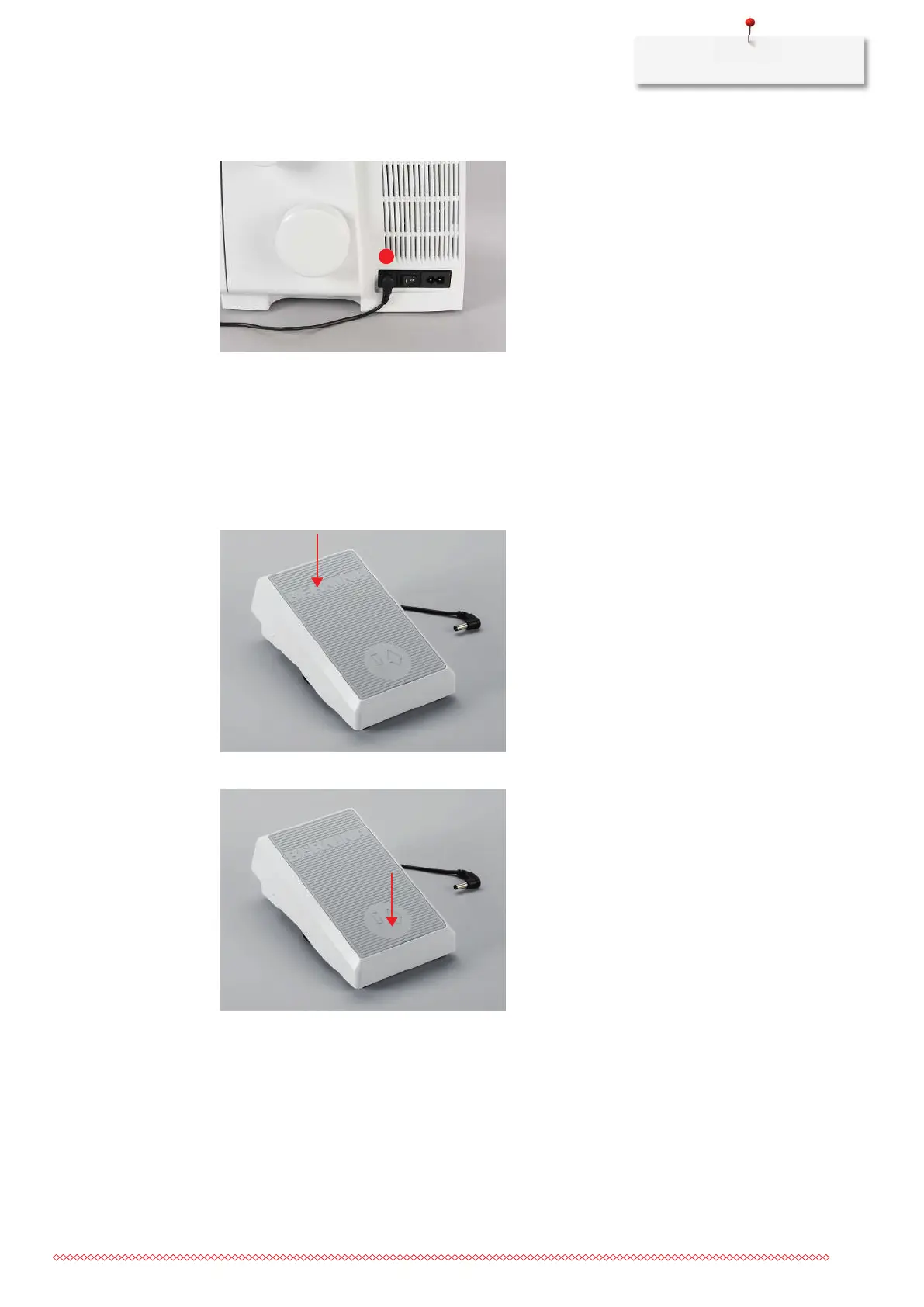
> Insert the cable of the foot control into the foot control connection (1).
Press the foot control
Pressing the foot control moves the needles, loopers and knife. The sewing speed can be infinitely adjusted
by more or less pressure on the foot control. The maximum sewing speed (pressing the foot control all the
way down) can be preset. (see page56) With open threader cover, the BERNINA one-step air threader
starts.
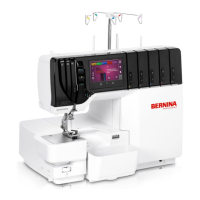
> To start the sewing process, press the foot control down.
> To stop the sewing process, release the pressure on the foot control.
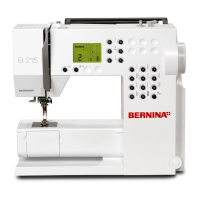
> To position the needle up/down, press the foot control down with the heel «Back-kick».
The «Back-kick» is deactivated when the machine covers are open.



 To Next Page