Stitch
71
6.2 Stitch selection on the screen
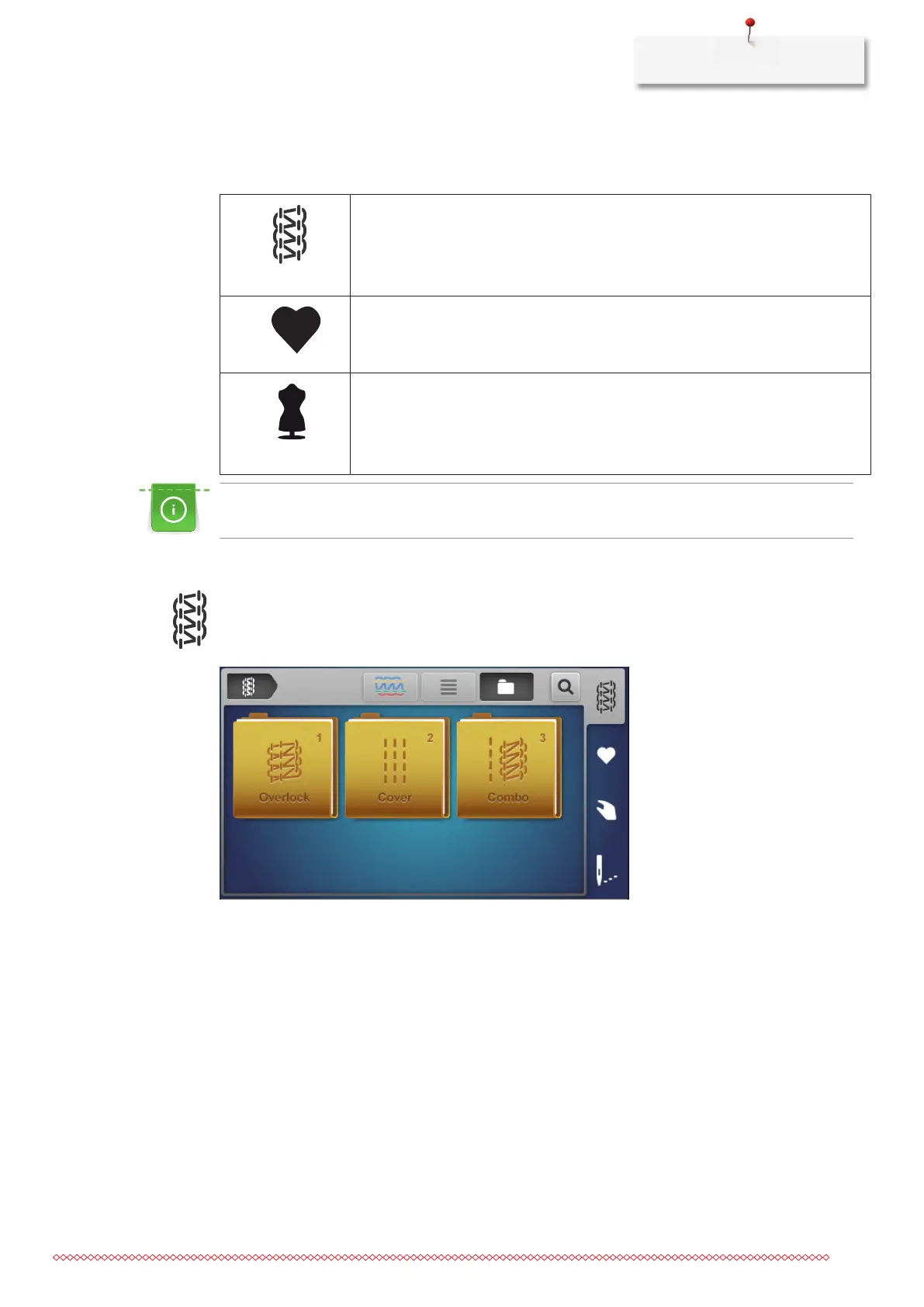
There are three different options to select a stitch.
Select a stitch from the «Stitch selection» in the sewing screen. (see page71)
In the sewing screen, select a stitch from the «Personal memory». (see page72)
In the Home screen, open the «Creative Consultant» for assistance. (see page73)
When changing a stitch in the guided mode, a prompt appears asking whether the current stitch should
be saved.
Selecting a stitch directly
Prerequisite:
• «Sewing screen» is active.
> Select the «Stitch selection».
> Select the «Stitch group».
– An overview of stitches is displayed.
> Select a «Stitch»
– The wizard begins.
> Den Instruktionen durch Weiterblättern folgen und Schritt-für-Schritt eine Einstellung nach der anderen
ausführen.
The stitch selection with the preset expert mode omits the setup wizard and displays an overview of the
manual settings to be made. (see page35)












 To Next Page