Stitch
72
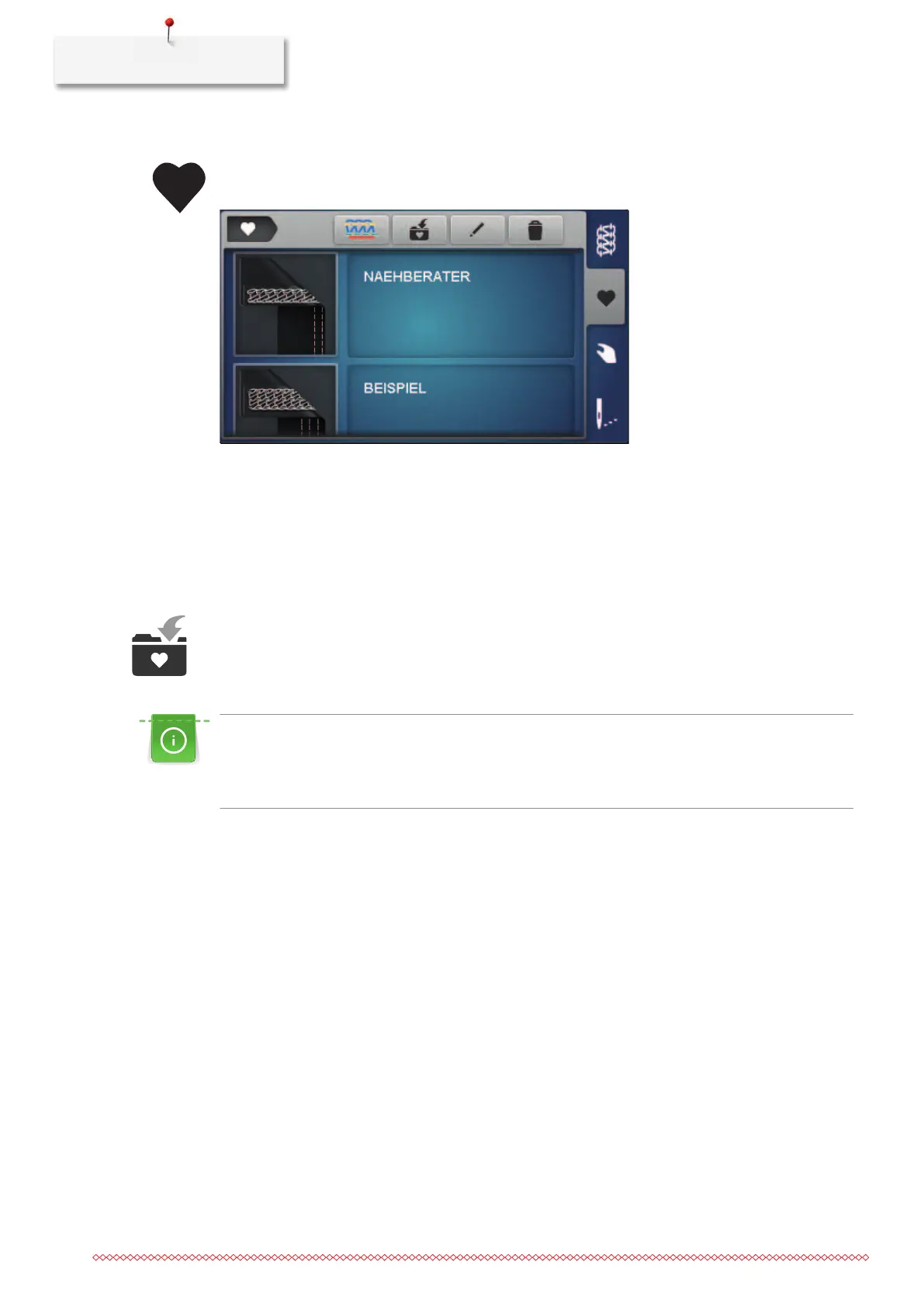
Selecting a stitch from the personal memory
> Select the personal memory.
– Stitches already saved are displayed.
> Select the stitch by tapping on the icon.
– The setup wizard starts.
> Perform all settings for the selected stitch step by step on the machine and scroll to the next screen.
> When all settings have been made, tap on «Confirm».
– The stitch from the Personal memory is visible in the stitch view and ready to sew.
Stitch save/overwrite
In order for a stitch with changed settings to be saved/stored in the Personal memory, the stitch selection
and its modification must already have been made.
From the guided mode, tapping on the personal memory automatically displays a query as to whether
the stitch should be saved.
> By «confirming» the query, the screen «Save the stitch» opens directly.
> By «canceling» the query, the screen «Personal memory» opens directly.
Saving a stitch
> Select the «Personal memory» and tap on «Save the stitch».
– The stitch pattern is added to the selection without a stitch name.
> Select a new stitch pattern.
> Enter and confirm the stitch name using letters, numbers and symbols.
> Add changed manual settings as a note and confirm.
– The stitch is saved.
– The last selected stitch is shown in the stitch view.












 To Next Page