Troubleshooting
1003090-EI-2.0 Issued 2006-12-21 29
11.0 Troubleshooting
11.1 Supervision system
The RD3/RD4 has a built-in supervision system.
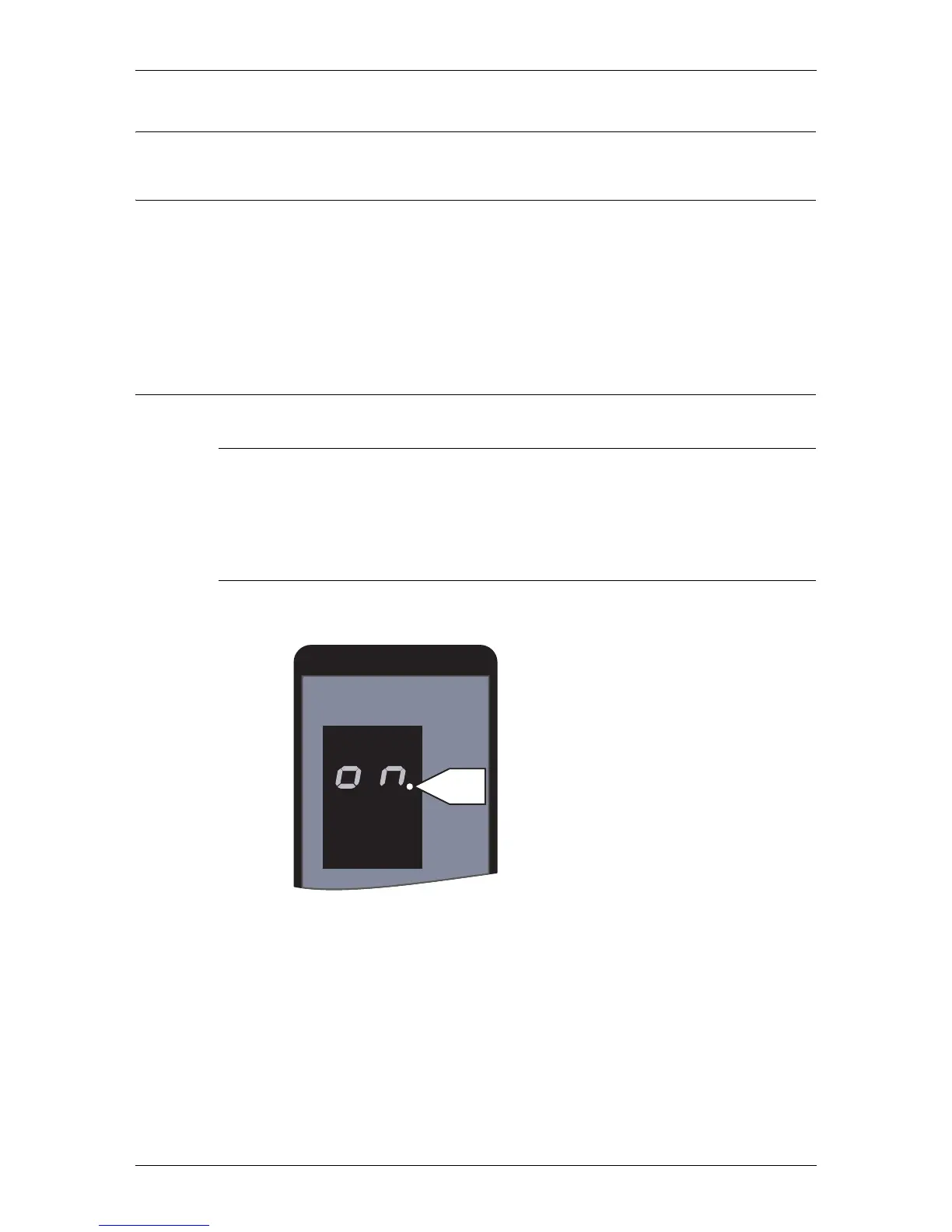
If an error occurs, the PCD display will show an error or status code. During nor-
mal operation the display will show “
ON”. All error codes are shown by flash-
ing figures, status codes with permanent figures. The exceptions are code 20 and
30, which will be shown flashing. To reset the door to normal operation after a
flashing error code, type C on the PCD (see “Code list” on page 30).
11.2 Simple troubleshooting
11.2.1 The door does not start at start up
Make sure that the PCD display shows “ON”, and that mains power to the door
is on.
Check the operating mode, see “The ON/OFF switch” on page 15.
11.2.2 Service request
Prompt P2 indicates that it is time for service.
FUNC
DATA
P2



 To Next Page