Operation
8 Issued 2006-12-21 1003090-EI-2.0
5.0 Operation
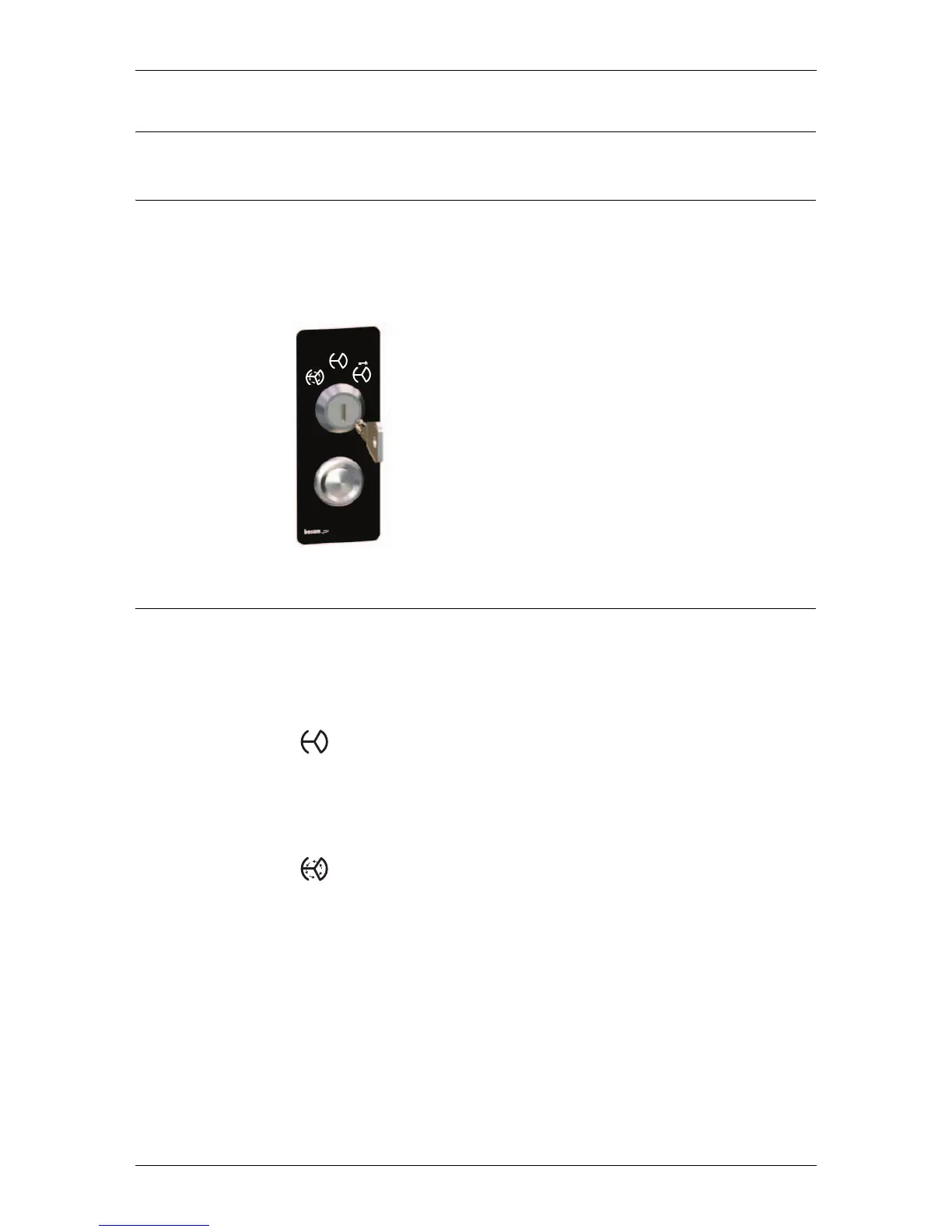
5.1 Programme selector
The programme selector is equipped with a three position key switch and a reset
push-button.
Note! If the door is equipped with a PCD programme selector, (see page 13).
5.2 Start up
• Open the night security doors, if fitted
• Unlock the mechanical lock, if fitted
• Check that the door emergency stop push-button is released. If not, turn the
button in any direction to release
Automatic operation
• Turn the programme selector to automatic operation
• The electro-mechanical lock, if fitted, is now unlocked
The door is parked at home position when there is no traffic. As soon as the acti-
vation units detect approaching traffic, the door automatically starts to rotate.
Continuous rotation
• Turn the programme selector to continuous rotation
• The electro-mechanical lock, if fitted, is unlocked
The door rotates continuously at a low speed. As soon as the activation units
detect approaching traffic, the door accelerates to normal speed. The door will
then return to low speed when there is no traffic.



 To Next Page