Operation
1003090-EI-2.0 Issued 2006-12-21 9
5.3 Switch off
• Check there is no traffic
• Turn the programme selector to off position
The door rotates to its home position
The electro-mechanical lock, if fitted, is locked
• Lock the mechanical lock, if fitted
• Close and lock the night security doors, if fitted
5.4 Reset
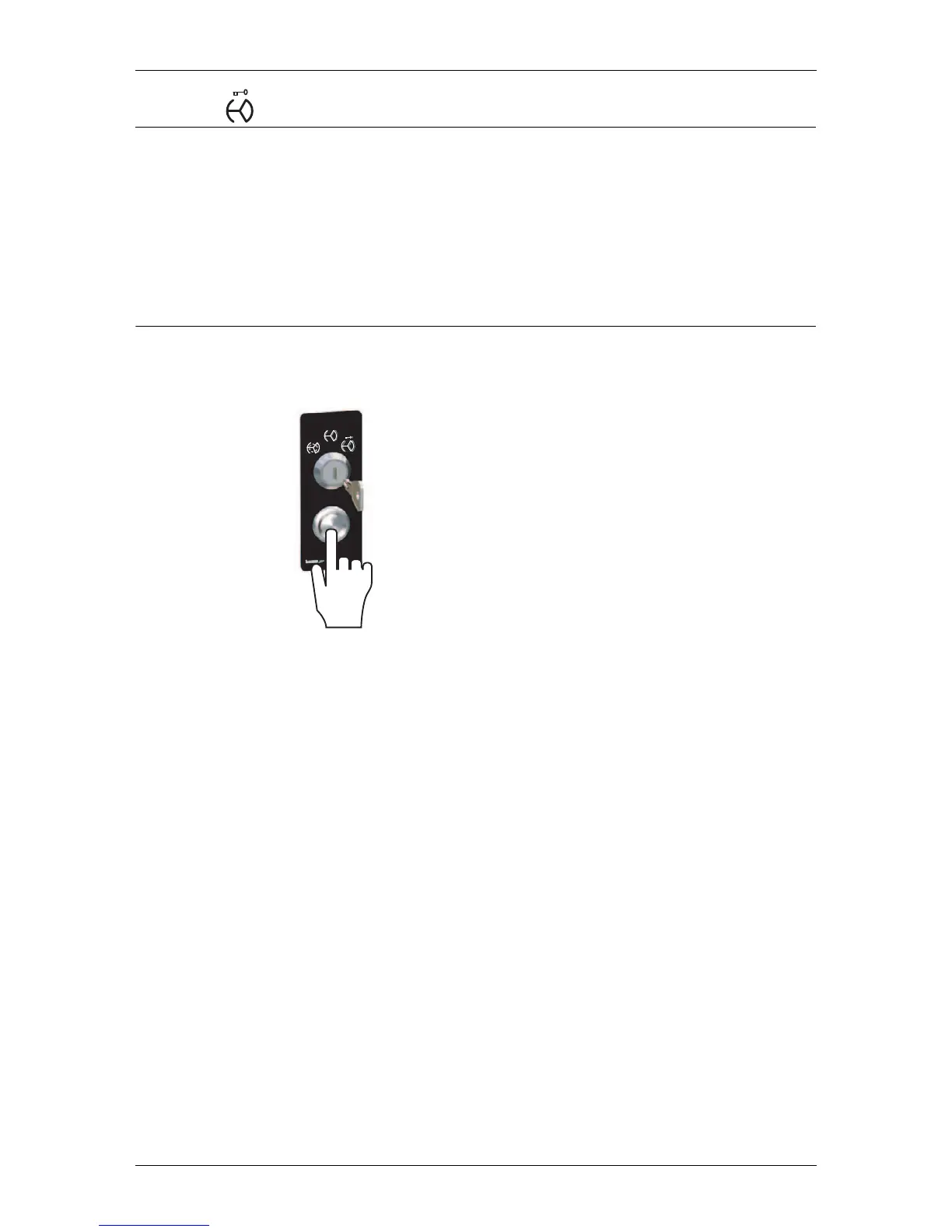
• In case of an error reset the door by pressing the reset push-button



 To Next Page