OPERATION COMFORT AIR CURTAIN
40
Switching the heating ON and OFF
The heating of the air curtain can be switched ON and OFF
manually. This can be useful in summertime when no heating is
necessary.
Switching the heating OFF disables
the room temperature
control.
This function can be deactivated via setting 89
in the
configuration menu.
•Select
Heating to switch the heating ON and OFF. When
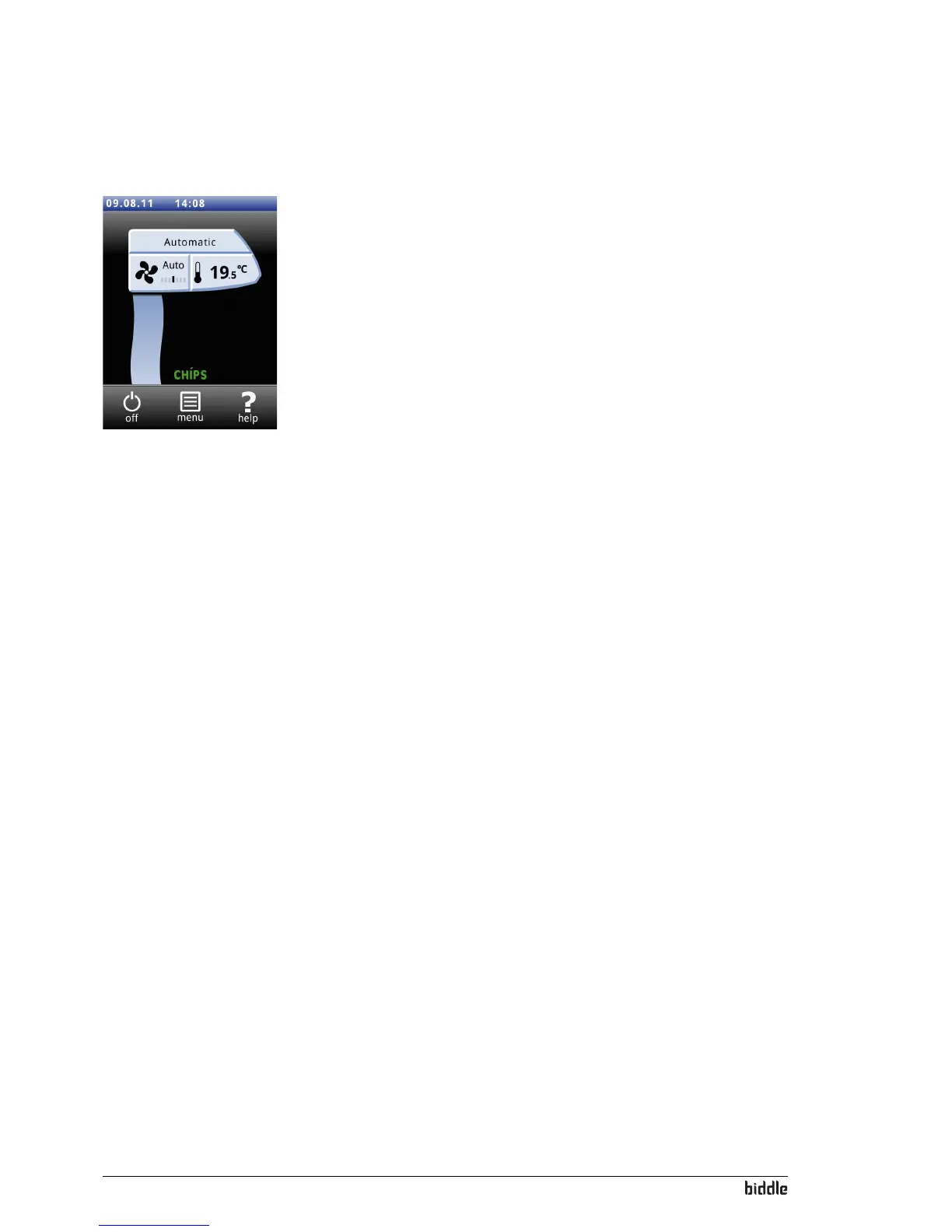
the heating is switched off, the air stream is displayed in
blue.
The heating can also be switched off b
y an external signal at
the input of the unit, see
menu>Configuration>60. Function of
input
, setting Heating OFF.
Filter Dirty filters reduce the effectiveness of the air curtain. It is
ther
efore necessary to clean or replace the filters at regular
intervals. The service life of the filter is calculated in relation
to the use of the air curtain. You can adjust this by setting the
maximum service life of the filter.
When the maximum service life is reached, a message appears
on the
Home screen.
You may clean the filter with, for instance
, a vacuum cleaner,
see section
Maintenance. After some cleanings, however, the
filter must be replaced. New filters are available from Biddle.
When using long-life filters:
The service life of the filter m
ust be set to the maximum
value.
Cleaning the screen The use of the touchscreen can lea
ve marks or fingerprints on
the screen. The screen can be cleaned using a damp, soft cloth.
Timer The b-touch control panel has a week timer. You can set two
star
t and stop times for every day of the week. The unit is on
between the start time and the stop time. The second start
and stop times are optional.
When the button
ON/OFF is displayed on the screen, the unit
can also be switched ON or OFF manually. From the next
switching moment the unit then follows the timer again.



 To Next Page