OPERATION COMFORT AIR CURTAIN
46
Installation guide This guides you through the most frequently required settings.
Unit code For the input of the unit code after replacement of a printed
cir
cuit board in a unit.
Standard settings Restores the standard factory settings. The settings made in
th
e Configuration menu are retained.
Factory configuration Restores the standard factory configuration. All settings are
th
en lost.
Reset control panel The control panel searches for connection to the connected
units
again.
Use this function when remedying faults and during
connection
or disconnection of units.
3.11 USB
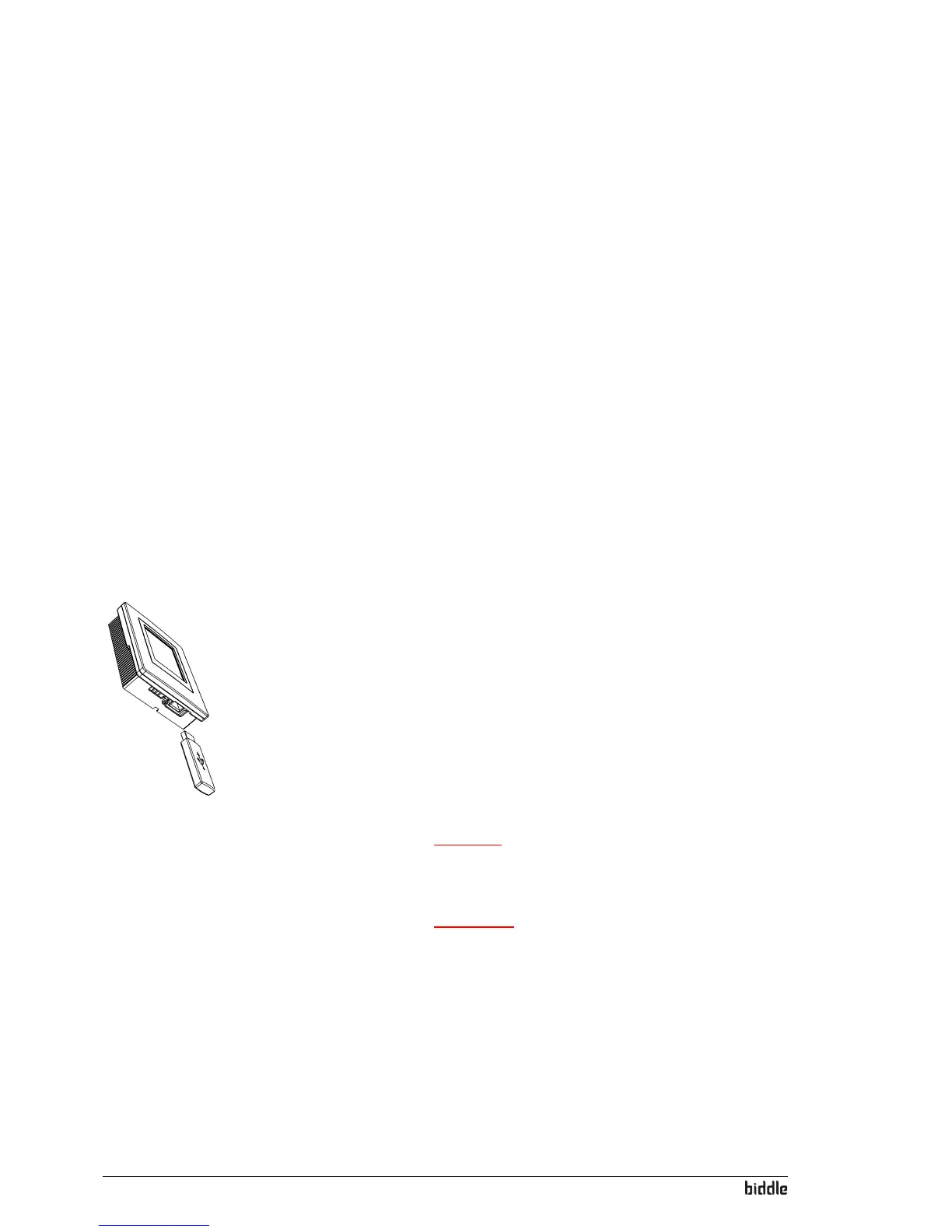
The control panel has a USB port to which only a USB flash
drive can be connected. This is used for
• Updating the software
• Importing and exporting settings
• Exporting of operating data
This menu is automatically activated when a USB flash drive is
connected. Th
e menu is closed again when the USB flash drive
is disconnected.
Caution:
c Do not remove the USB flash drive during updates or
during the import or export of data.
Warning:
w Connection of other electronic devices to the USB
port can cause serious damage to the control panel
or to other electronic components.
Software update Biddle is working continuously on improving its products and
r
ecommends that you update the software of the control
panel when updates become available. Consult the Biddle
website for availability.



 To Next Page