3
3
MANUAL SERVICE
Version: 6.1 (05-12-2011) 61
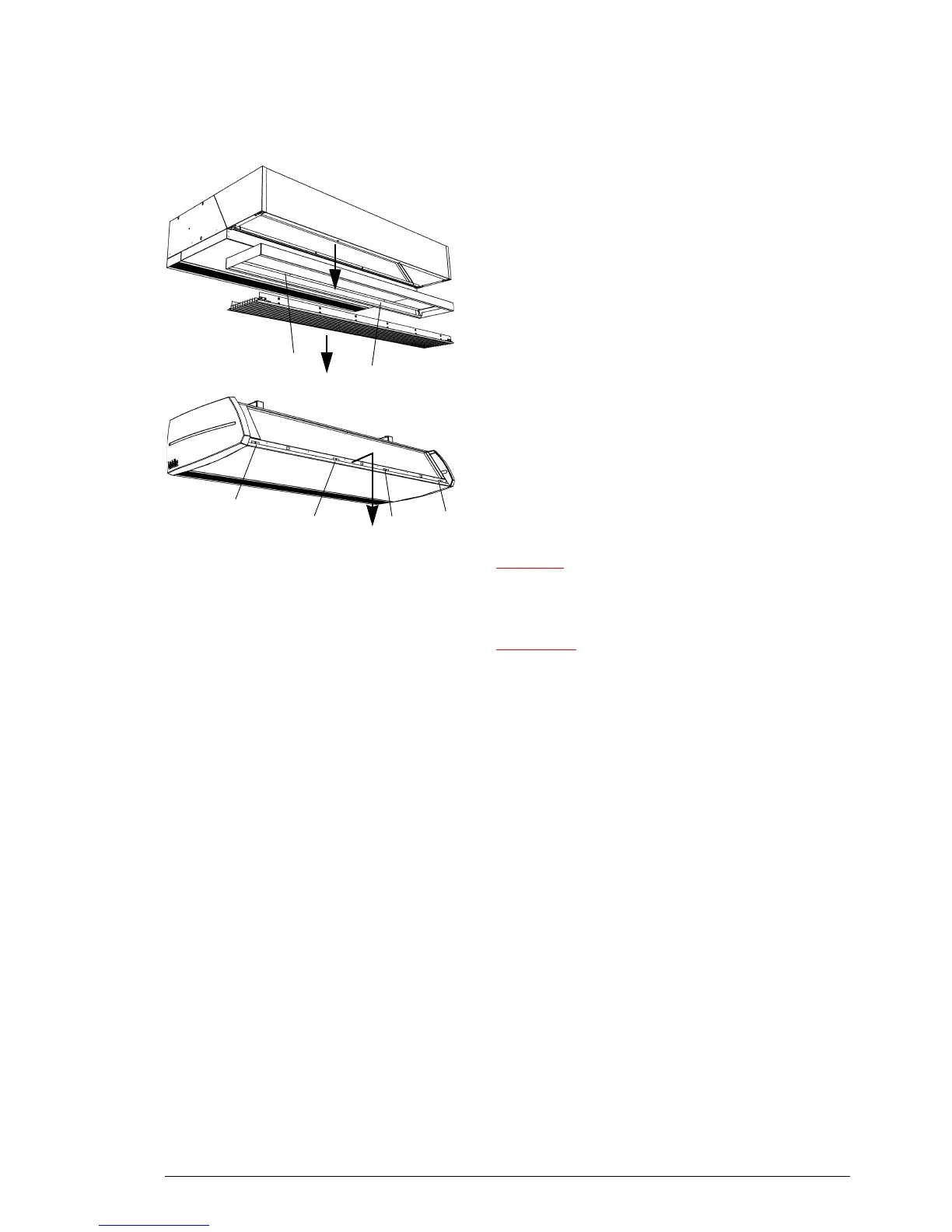
2. Loosen screws 3 and remove the frame.
1
1
1
1
For all models
3. Remove the inspection panel:
- Remove the screws 1.
- Pull the panel a little forward and take it away.
Caution:
c The whole panel will come loose when you pull it forward:
Take care it does not fall down.
Warning:
w When replacing the inspection panel, always attach
it using flanged bolts with milled edges: These are
needed for the earth connection.
6.3 Electronics module
6.3.1 Introduction
The unit contains one electronics module. It includes:
-the transformer;
- the printed circuit board;
- the connector plate;
- the fuses.



 To Next Page