MANUAL FAULTS
Version: 6.1 (05-12-2011) 53
5.3 Fault messages in control panel
5.3.1 Reading out faults
Current faults
ä
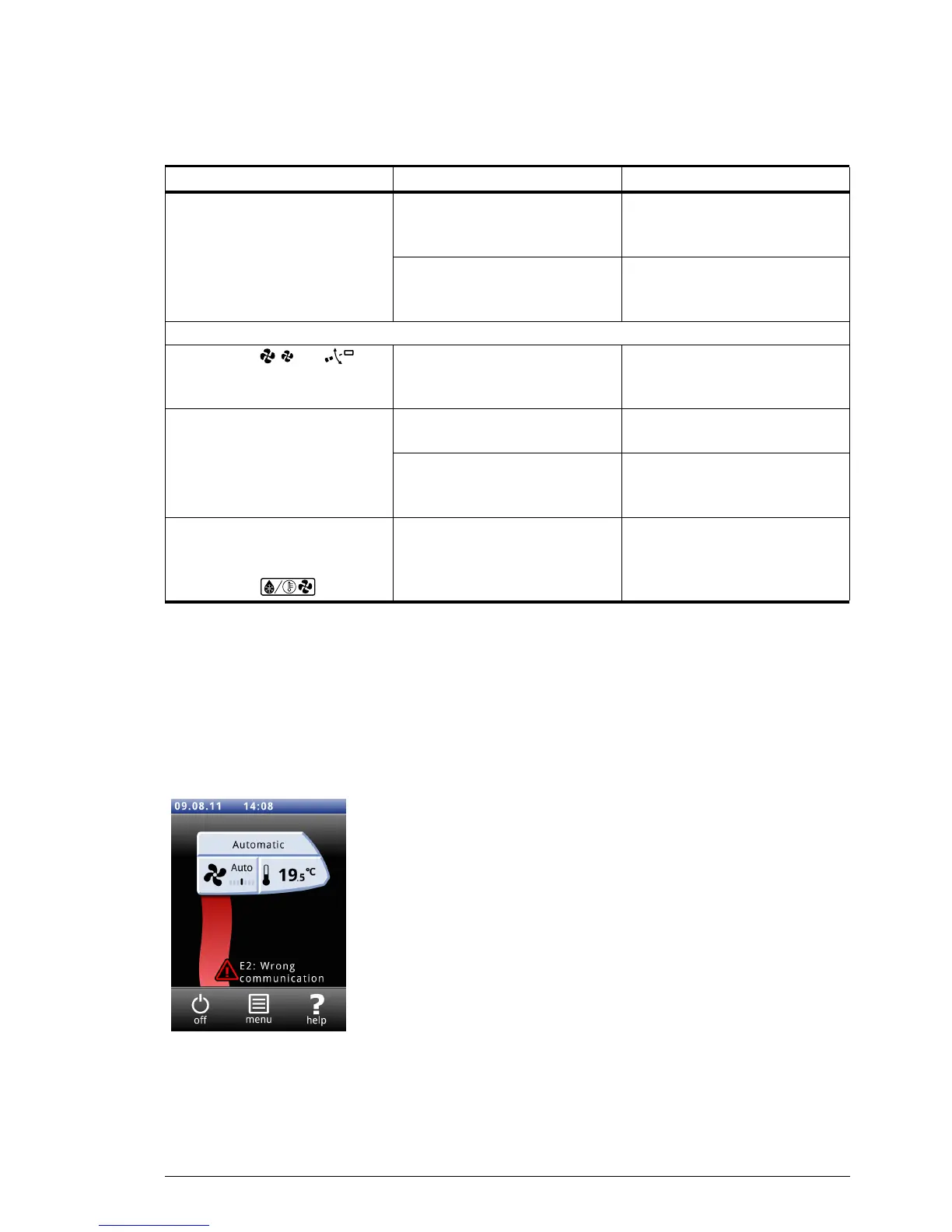
Current faults are displayed on the Home screen. If a fault has
remedied itself, a corresponding message will be displayed.
When the error message is touch
ed, an explanation of the
actions to be taken appears on the screen. The message
disappears from the Home screen only when the fault has
been remedied.
There may be more than one fault at the same time. You can
r
ead out a list of current error codes via
Menu>Maintenance>Current faults.
No-longer-current faults
If a fault has remedied itself, a corresponding message will be
di
splayed. Touch this message to display the
Fault history and to
read out the last five faults and the times of their occurrence.
The display flickers The power supply is too low or
not cons
tant
Reduce the brightness of the
display to a level at which
flickering no longer occurs
The length of the control cable
betw
een control panel and the
first unit is too long
Remove unnecessary cable length
For units connected to a Daikin system CA
2
V and CA
2
Q:
The buttons
and on
the Daikin control panel do not
fu
nction.
These buttons have no function. The air curtain is operated with
the Bid
dle b-touch control panel.
The air curtain discharged
unheated air
.
A fault has occurred in the Daikin
system
Check the settings on the Daikin
control panel.
The Daikin system has
au
tomatically switched the
heating off.
Check the settings on the Daikin
contr
ol panel.
The air curtain discharges
unheated or cold
air, or does not
function, and the Daikin control
panel shows
.
The Daikin system is operating in
defr
ost mode. This takes 5 to 10
minutes.
Wait until defrosting has been
completed.
P
ROBLEM LIKELY CAUSE WHAT TO DO



 To Next Page