SERVICE COMFORT AIR CURTAIN
66
ê
4. Press down microswitch 1.
The LED next to the microswitch no longer flashes.
The unit code is now set.
5. Reset the control panel (see section 5.3.3).
6.10 Resetting the PIN code
The PIN code of the control panel can be reset using a USB
flash drive:
1. Connect a USB flash drive to the control panel.
The USB menu is activated
2. Press x for 10 seconds.
The PIN code is reset and a new PIN code has to be
ente
red.
3. Quit the USB menu by removing the USB flash drive.
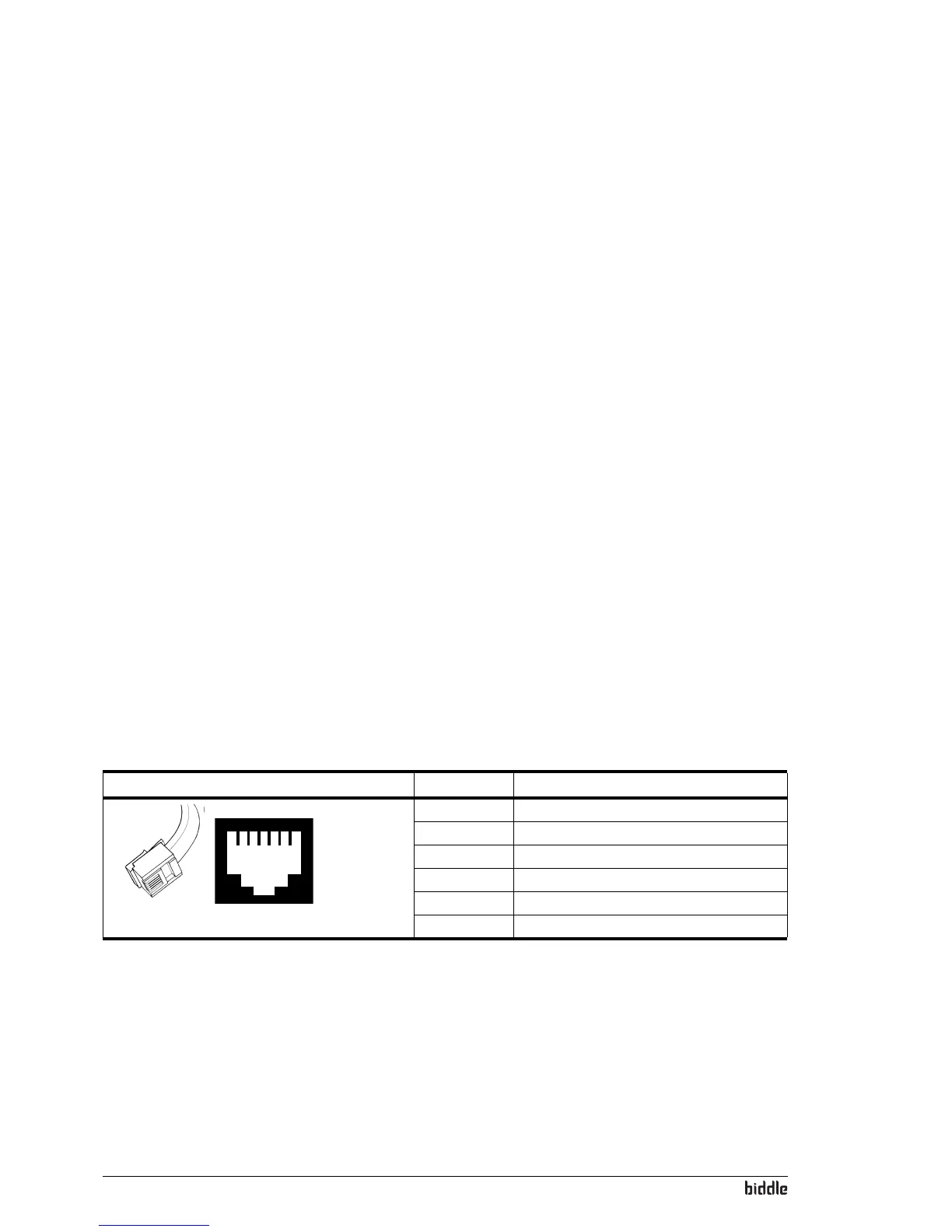
6.11 Configuration of the Biddle control cable
The control cable for Biddle units is different from standard
modular telephone cables.
The connectors are Type RJ-11, but the connections are
s
traight. The core is connected to the same pin at both ends
of the cable.
Table 6-1 Colour codes of Bid
dle cables
P
IN COLOUR
165432
1 (not used)
2 black
3 red
4 green
5 yellow
6 (not used)



 To Next Page