SERVICE COMFORT AIR CURTAIN
62
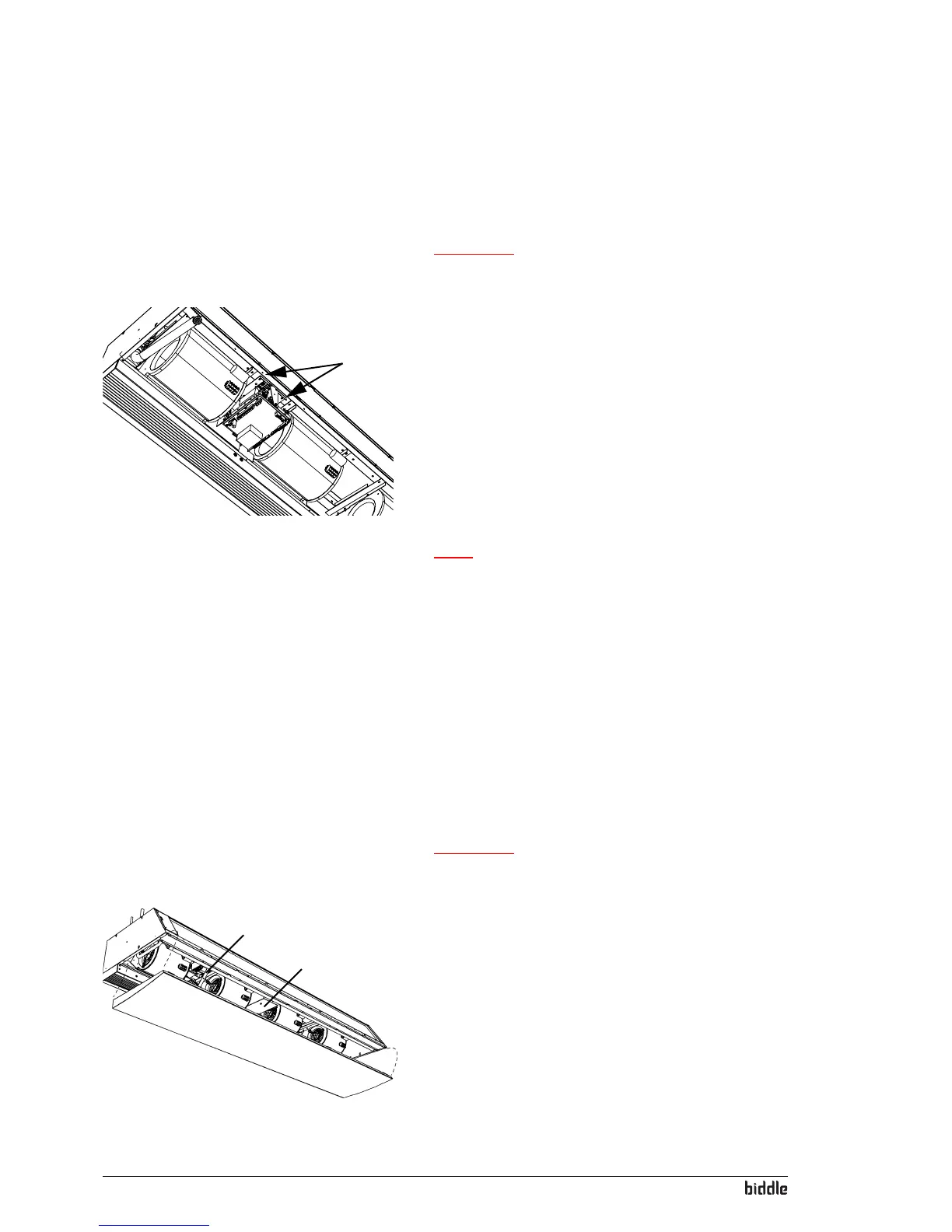
6.3.2 Removing the electronics module out
1. Switch the unit OFF using the control panel.
Warning:
w Disconnect the power supply (remove plug from
power point or move isolation switch to OFF).
1
2. Remove the inspection panel (see section 6.2).
3. Disconnect all unit-connected connectors and grounded
conne
ctions from the printed circuit board.
4. Remove the screws 1.
5. Remove the electronics module.
6. Disconnect the connectors from the connector plate.
Note:
n The electronics module in your unit may look different
from the module illustrated opposite.
6.4 Daikin electronics (CA
2
V and CA
2
Q)
6.4.1 Introduction
In addition to the Biddle electron
ics, the unit also contains a
Daikin electronics module.
6.4.2 Access to the electronics in the unit
Warning:
w Before opening the unit:
Observe the safety instructions in section1.4.
1
3
2
All models
1. Remove the inspection panel 1 of the unit (see manual of
the Air Cur
tain Model CA).
2. The Biddle electronics is located at 2.



 To Next Page