HR MANUAL INSTALLATION
Manual version 4.1 (26-07-2018)
en-29
en
2.13 Switching on and checking operation
2.13.1 Introduction
d Make sure that all channel sections are
connected to fresh air, inside air and
ventilation units before you test the operation
of the unit.
2.13.2 Visual checking
1. Check the following attachments:
- lock nuts of the suspension;
- coupling elements between the modules;
- channel sections correctly connected and in the righ
t
positions.
2.
Check that the trap of the condensate drain is fill
ed with
wat
er.
3. Check the connections to the electronics module.
4. For models with heating/cooling module
Check whether:
- the heat exchanger is connected correctly.
- the temperature sensor in the supply channel is con-
nected.
- the heating/cooling system is switched on.
2.13.3 Switching ON
1. Switch on the mains supply.
2. Set the isolation switch to 1.
3. Check that no error messages are given.
2.13.4 Checking operation
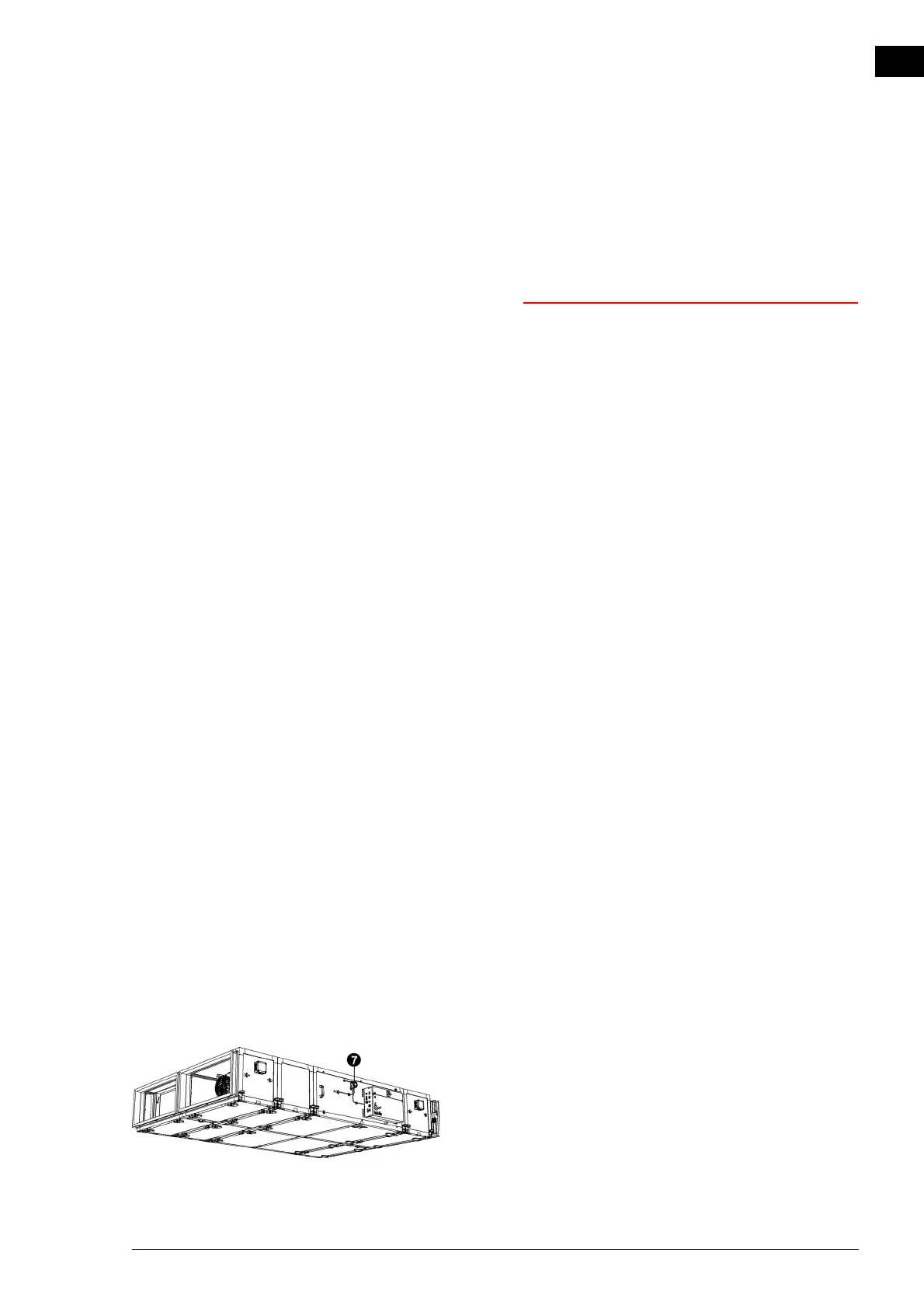
1. Check the operation of the pressure switch 7 over the
heat exchanger:
1. Check in menu > Maintenance > Unit control
that the
value of th
e fourth input (1-2-3- 4) is a nil: x-x-x-0
2. Open the pressure switch.



 To Next Page