OPERATION VIA B-TOUCH HEAT RECOVERY UNIT
en-40
en
If an error has remedied itself, a corresponding message will
be displayed. Touch this message to display the Error history
and to read out the errors and the times of their occurrence.
This list can also be read out via Maintenance > Error history.
3.3 Main menu
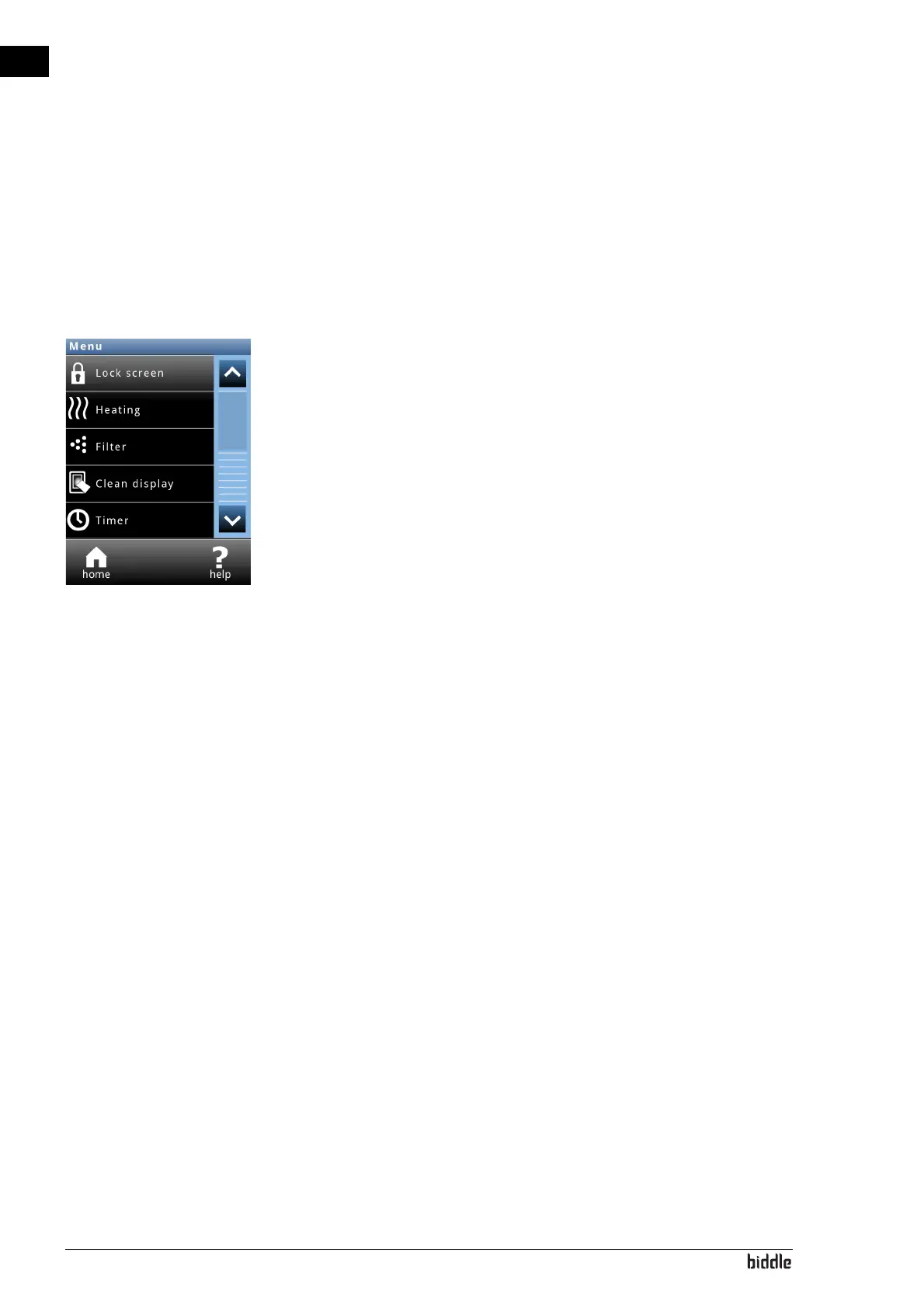
To u c h menu to open the Main menu.
•Touch home in order to return to the Home screen.
• You can use the arrows to browse through the list.
If the control panel is not operated for some time, it returns
automatically to the Home screen without saving the changes.
Lock screen Select to prevent unauthorised access. The
# symbol appears
on the screen.
Unlocking
Touch the screen for 5 seconds to unlock it.
Switch temperature control on and off Only for units with HC6 module with water control or using free
(night) cooling.
The unit’s temperature control can be switched on and off
manually.
Switching the temperature controloff disables the room tem-
perature control and any Heating on output functions.
This function can be deactivated via setting 21 in the configu-
ration menu.
If the heating has been switched on via this function, it may
occur that the automatic control switches the heating off
again. This may be due to an external signal, for example, or
because the desired temperature has been reached.
The heating can also be switched off by the control itself:
• by an external signal at the input of the un
it, see
me
nu > Configuration > 60. Function of inputs, settin
g
Heating off;



 To Next Page