OPERATION VIA B-TOUCH HEAT RECOVERY UNIT
en-50
en
Factory configuration Restores the standard factory configuration. All settings are
then lost.
n The installation guide will be restarted.
Reset system The control panel searches for connection with the attached
units again. Use this function when remedying errors and dur-
ing connection or disconnection of units.
3.8 USB
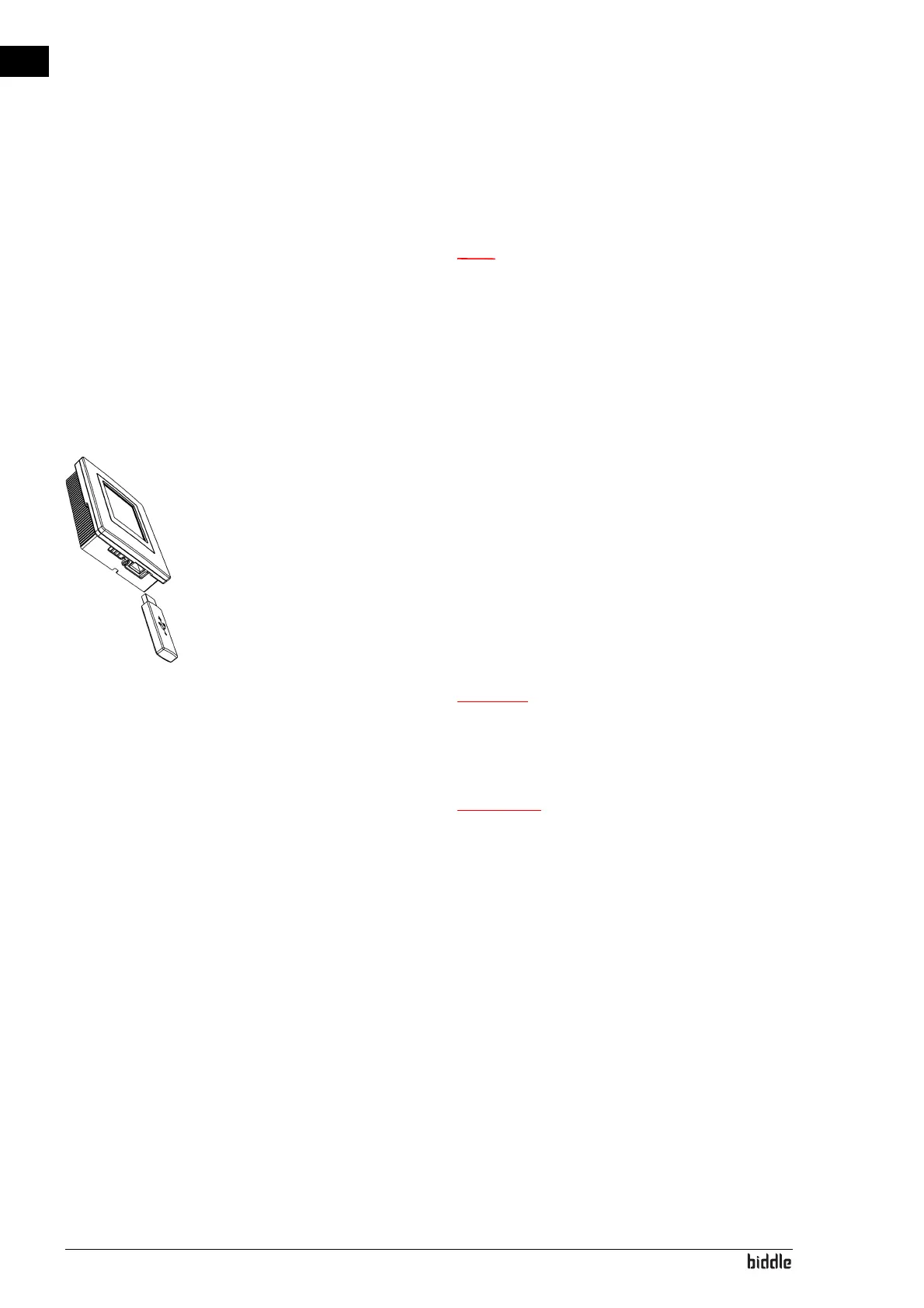
The control panel is equipped with a USB port to which only a
USB flash drive can be connected. This is used for:
• updating the software
• importing and exporting settings
• exporting usage data
This menu is automatically activated when a USB flash drive is
connected. The menu is closed again when the USB flash drive
is removed.
c Do not remove the USB flash drive during the
updating or during the importing or exporting of
data. This can take several minutes.
w Connection of other electronic devices to the
USB port can cause serious damage to the
control panel or to other electronic
components.
Software update Biddle is working continuously on improving its products and
recommends that you update the software of the control
panel when updates become available. Consult www.bid-
dle.info/software to see if updates are available.
• The installed version of the software can be read out from
Maintenance > Status.
• Download the latest version of the software via Biddle’
s
we
bsite.
See also: 7.8 Updating the software



 To Next Page