HR MANUAL ERRORS
Manual version 4.1 (26-07-2018)
en-61
en
Error codes register 217/ErrorFlags[1]
5.5 Error messages on the control panel
For models with b-touch control panel
Some errors are displayed with a symbol on the home
screen of the b-touch panel.
n When the error message is touched, the screen
displays an explanation, together with a list of the
actions to be taken.
n The message will disappear from the Home screen
when the error has been remedied.
E
RRORFLAGS[1];
MODBUS 217
LOGERROR.CSV
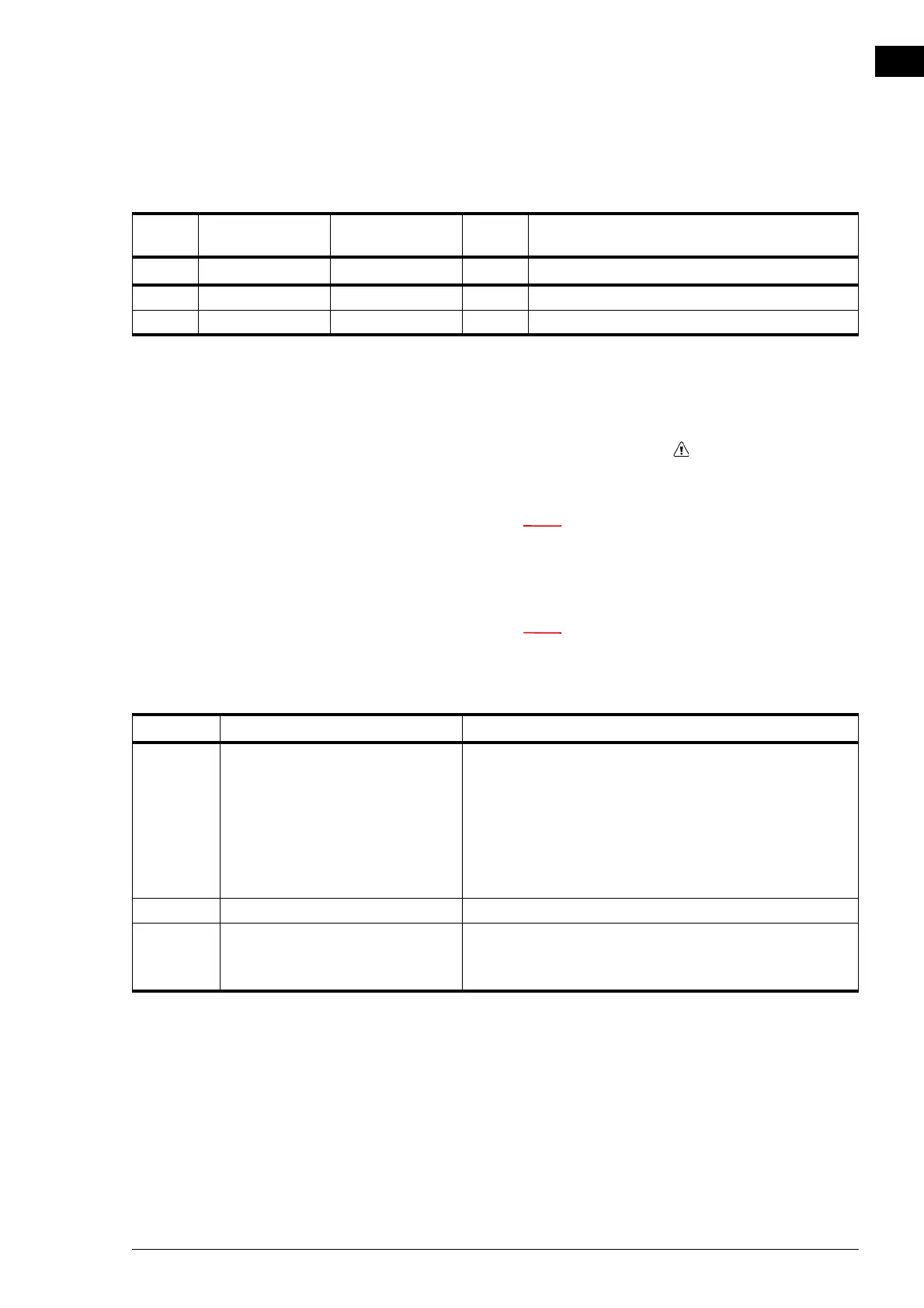
BIT VALUE VALUE CODE DESCRIPTION
0 1 16 F1 Filters must be replaced
14 8192 29 F17 Faulty CO
2
sensor
CODE PROBABLE CAUSE WHAT TO DO
E7 Fan error 1. Check the fans. If one or more fans do not work, please
check:
- the fan wiring;
- the connections on the electronics module;
- the transformer fuse;
- the transformer itself.
2. If these are in order, then replace the fan.
F1 Dirty Filter Replace the filters.
F17 With automatic CO
2
control:
The CO
2
sensor in the inlet duct is
not working.
1. Check the sensor’s wiring and connection
(connector
X377).
2. If these are in order, then replace the sensor.



 To Next Page