SERVICE HEAT RECOVERY UNIT
en-70
en
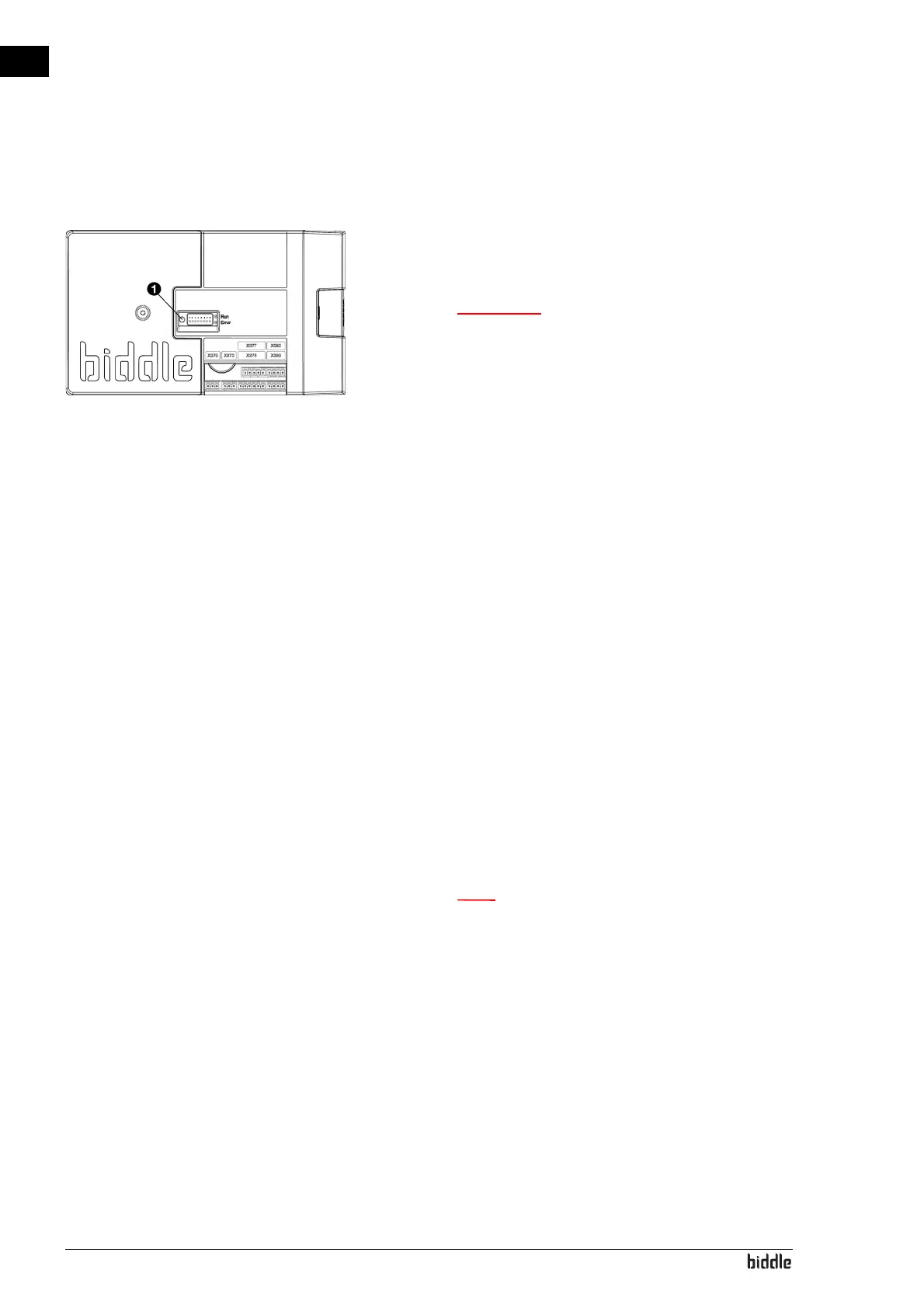
7.5.2 Setting the unit code via the control circuit
board and the control panel
1. Connect the mains supply (insert the plug into the sock
et
or mo
ve the isolation switch to ON).
w Do NOT touch any live parts.
2. Press down the microswitch 1 on the control circuit
board .
The LED next to the microswitch will start flashing.
The control panel displays numbers: these comprise
the
un
it code.
3. Enter the unit code via the control panel and press ok.
4. Press down microswitch .
The LED next to the microswitch will stop flashing.
The unit code is now set.
5. Reset the control panel.
7.6 Resetting the PIN code
The PIN code of the control panel can be reset using a USB
flash drive:
1. Connect a USB flash drive to the control panel.
The USB menu is activated
2. Press x for 15 seconds.
n The screen shows no change.
The PIN code has now been reset to the default pin code:
0000
3. Exit the USB menu by removing the USB flash drive.



 To Next Page