HR MANUAL OPERATION VIA B-TOUCH
Manual version 4.1 (26-07-2018)
en-39
en
3.2.3 Automatic or manual control
The unit has an automatic mode and a manual mode. Select
the desired setting by touching the upper part of the symbol.
You can restrict the user’s choice via menu > Settings > 1.
Select modes.
Manual
In manual mode, the unit operates in a variety of fan settings
(which can be manually selected).
Automatic
In automatic mode, the fan setting is automatically adjusted to
the CO
2
level.
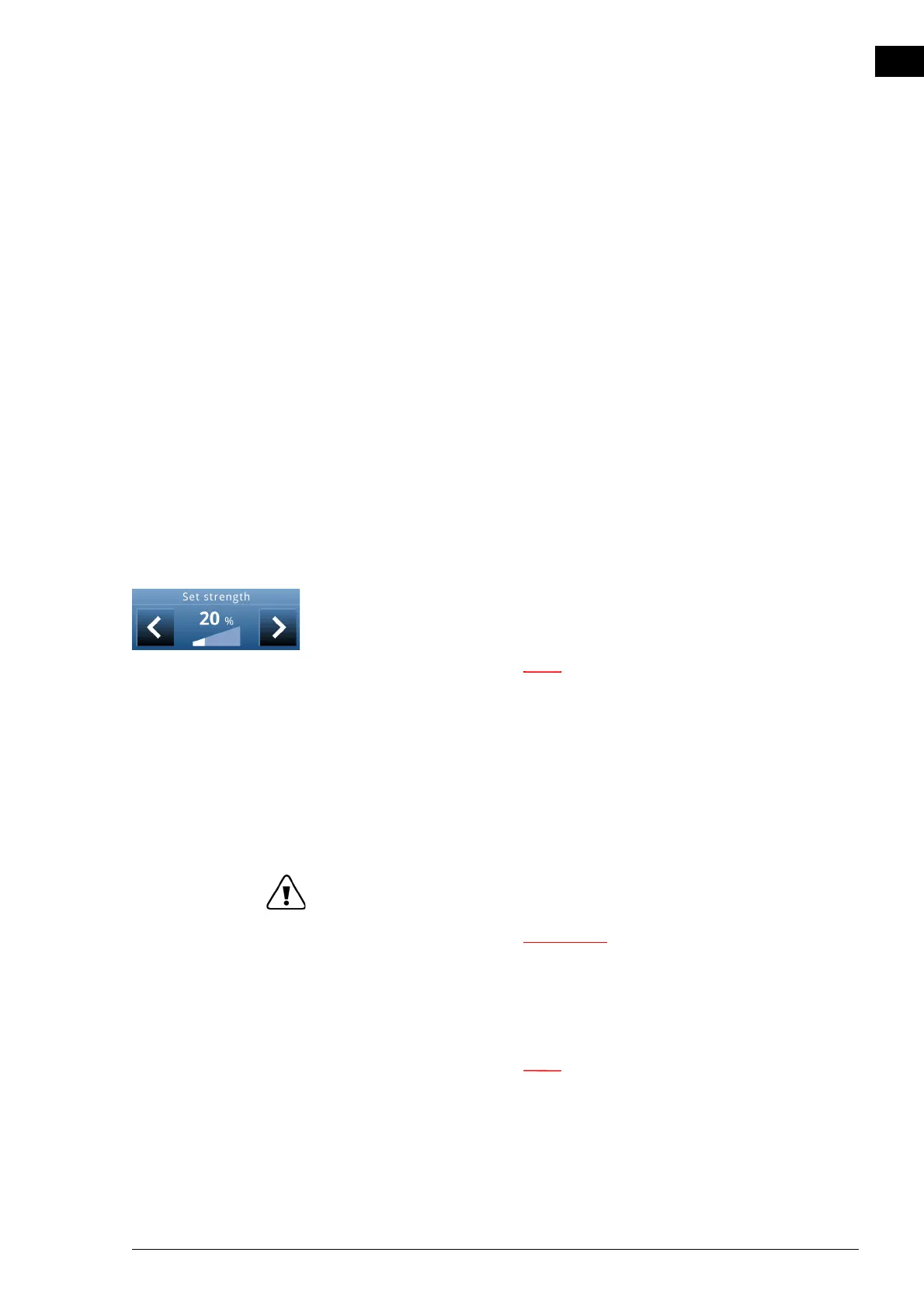
3.2.4 Regulating the strength
In automatic mode, the strength of the airflow is controlled
automatically.
In the manual mode, the strength can be set manually (3 set-
tings).
n For minimum energy consumption, Biddle
recommends selecting the lowest strength at which
the desired air quality is achieved.
3.2.5 Errors
The symbol ä indicates that there is an error. The error mes-
sage is displayed alongside.
• Touch this message for further information on the erro
r
and f
or instructions as to how to react.
w Some errors may cause damage or danger to
persons if they are disregarded. If ä is
displayed, follow the instructions on the
control panel as regards how to act.
n The symbol ä and the error message remain
displayed as long as the error has not been
remedied.



 To Next Page