HR MANUAL SERVICE
Manual version 4.1 (26-07-2018)
en-73
en
7.8.4 Step 3: Updating the software
w Do not switch off the unit or disconnect the
USB flash drive during the software update.
Do not disconnect the USB flash drive from
the control panel even if there is a power
failure during the update. The update will
resume as soon as the power returns. If an
error occurs during the update, start the
procedure again. If the error continues to
occur, contact Biddle.
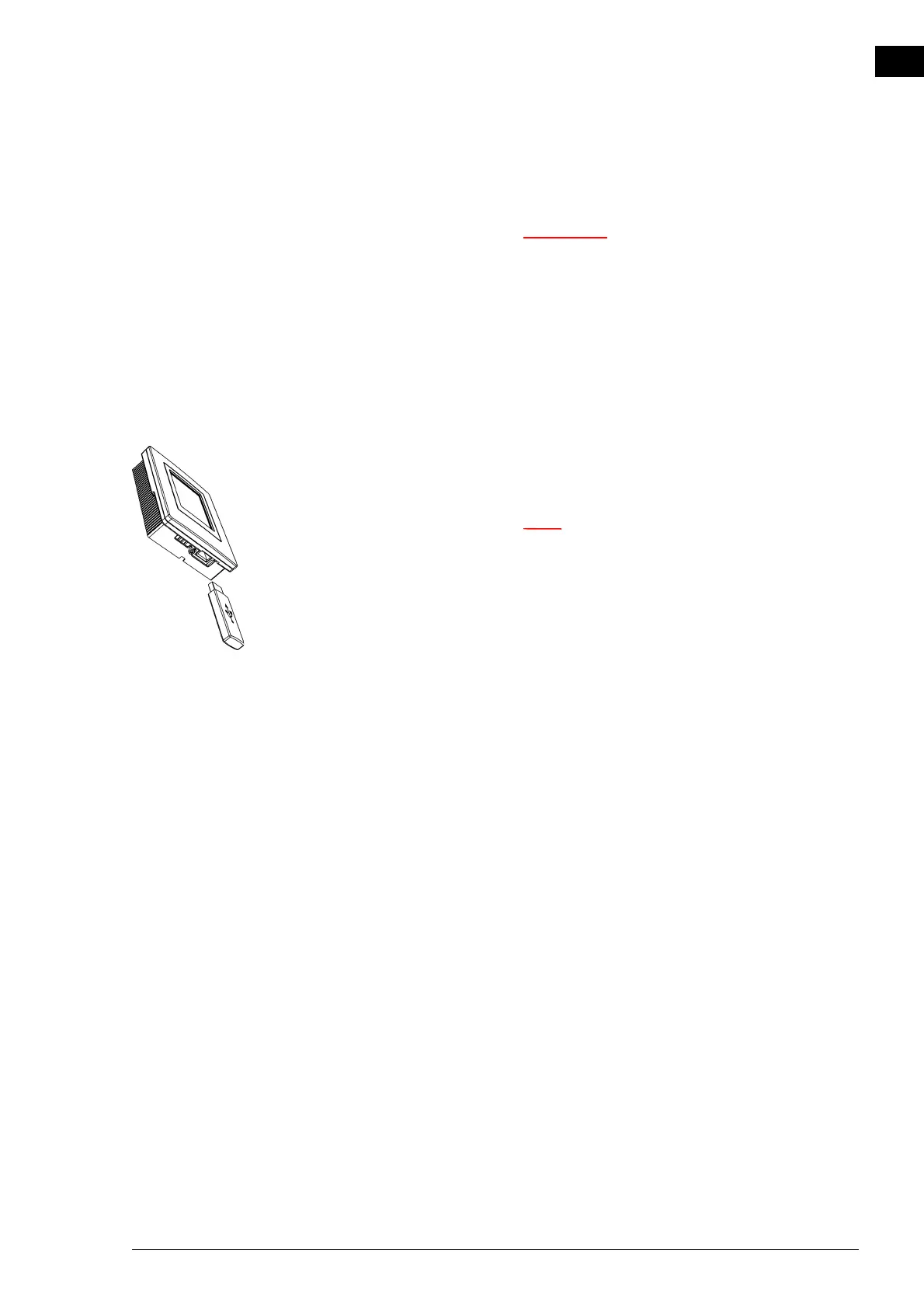
1. Connect the USB flash drive (with the software up
date) to
th
e USB port on the control panel.
n If the USB flash drive is not detected, disconnect it
and then connect it again.
The control panel detects the USB flash drive and displays
the USB menu
2. Select Software update to update the software.
3. When this has been completed, disconnect the USB flash
drive from the control panel.



 To Next Page